The blue logo of MacVector, inc.
  • Getting Started
    • What can MacVector do for my lab?
    • Overview
    • Sequence Assembly
    • Common workflows for the molecular biologist
    • Comparing sequences
    • Getting your sequence into MacVector
    • Importing sequences
    • Where to start
    • Primer design
    • Tutorials
  • Free Trial
  • Pricing
    • Pricing
    • Purchase online
    • Student and Postdoc licenses
    • What type of license should I buy?
      • MacVector Free
      • Maintenance
    • Quote Request
      • CeresBio
      • VtR Incorporated
      • VtR Incorporated
  • Support
    • Legal Information
    • Compatibility of older versions
    • Privacy and Security Policy
    • Downloads
    • InstallersInstallers of the current version of MacVector and older ones.
    • System Requirements
    • Tutorials
    • What’s New in MacVector.
    • Weekly Tips
  • Contact us
    • Email Options
  • Blog
    • Archives
    • Press releases
    • Testimonials
    • Weekly Tips

  • MacVectorTip: How to prepare annotated eukaryotic genome assemblies for import into MacVector

    One of the more challenging aspects of dealing with large eukaryotic genomes is that most are incomplete and have many gaps. Often the genomes are available as a collection of hundreds or thousands of separate contigs, with associated annotations. This makes working with them awkward. However, increasingly, entire annotated chromosomes can be downloaded with the…

    Read more: MacVectorTip: How to prepare annotated eukaryotic genome assemblies for import into MacVector
    May 14, 2026

    —

    by

    Chris
    in General, Tips

  • Merry Christmas from the MacVector team

    For those who celebrate the MacVector team wish you a very merry Christmas. We hope you are able to turn off that sequencer, put away your pipette and have a relaxing time with your loved ones. Here’s to a better year for science in 2026!

    Read more: Merry Christmas from the MacVector team
    Dec 23, 2025

    —

    by

    Chris
    in General

  • Automating annotation of sequences via BLAST

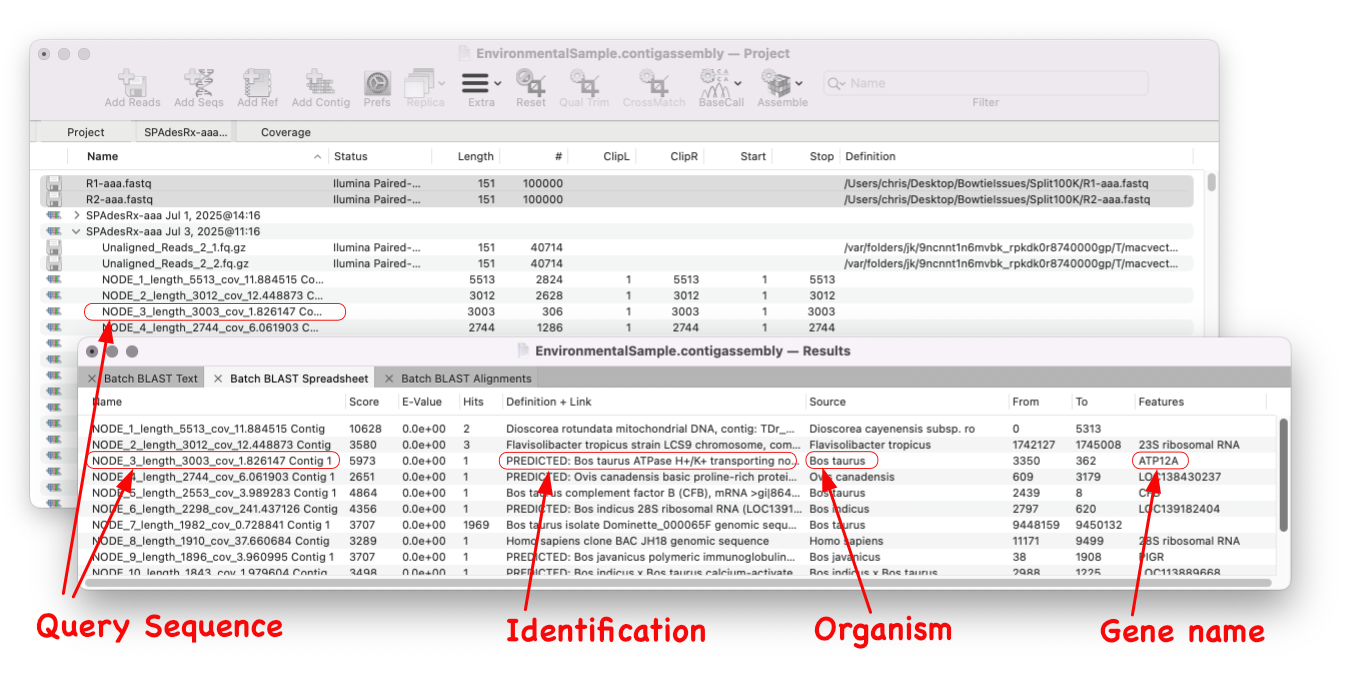
    MacVector 18.8 is out and it’s packed with new tools! MacVector 18.8 has tools to help you identify and annotate unknown, unannotated or partially annotated sequences. Ideal for identifying contigs from a de novo assembly. One of these new tools is AutoAnnotate (via BLAST) Auto-Annotate (via BLAST) is similar to Auto-Annotate (local), except instead of using curated sequences on your own…

    Read more: Automating annotation of sequences via BLAST
    Jul 23, 2025

    —

    by

    Chris
    in General, Releases, Tips

  • MacVector 18.8 Is Here – Packed with Powerful New Features

    A game changer for identifying unknown sequences MacVector 18.8 is out and it’s packed with new tools! MacVector 18.8 has tools to help you identify and annotate unknown, unannotated or partially annotated sequences. Batch BLAST allows you to automate BLAST searches for multiple sequences and Auto-Annotate (via BLAST) allows you to automatically annotate multiple sequences.…

    Read more: MacVector 18.8 Is Here – Packed with Powerful New Features
    Jul 16, 2025

    —

    by

    Chris
    in General, Releases

  • MacVector 18.8 Installer

    MacVector 18.8 requires macOS Big Sur (11) or later, including macOS Tahoe when it is released. It will NOT work on Windows, macOS 10.15 (Catalina) or earlier. MacVector 18.8 is a “Universal Binary”, meaning it will run natively on both Intel and Apple Silicon based Macintosh computers. The changes in MacVector 18.8 are described in the Release Notes .…

    Read more: MacVector 18.8 Installer
    Jul 15, 2025

    —

    by

    Rosemary
    in General

  • MacVectorTip: Use Align to Folder to filter NGS data for specific genes

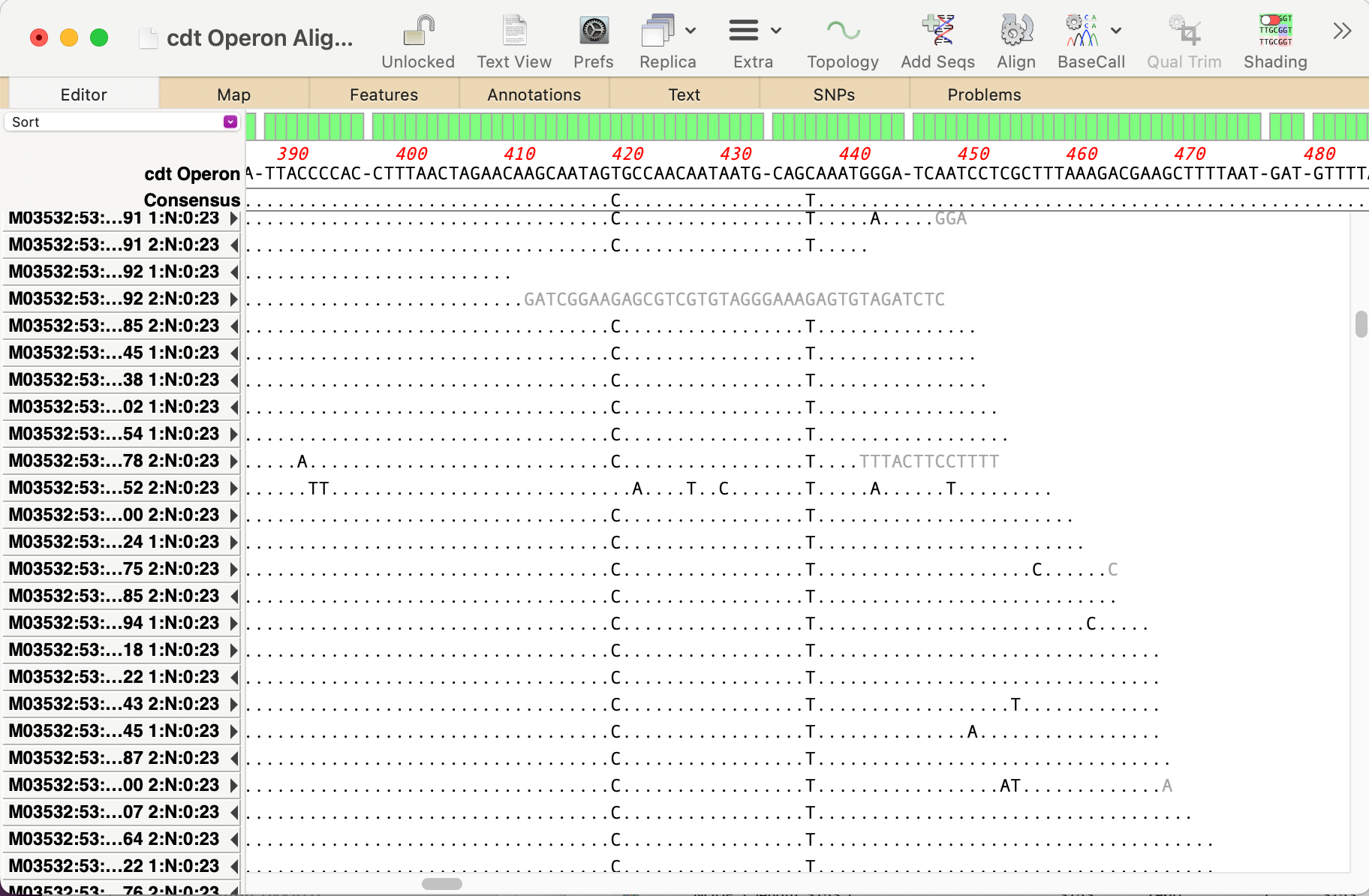
    Even the latest Macintosh computers loaded with as much RAM as you can afford will still struggle to de novo assemble genomes much over 50 Mbp. But, often that is not required. If you are just interested in a few genes, or a specific region of a chromosome, you can use Align to Folder to filter the…

    Read more: MacVectorTip: Use Align to Folder to filter NGS data for specific genes
    May 1, 2025

    —

    by

    Chris
    in General, Tips

  • The 40th anniversary of the Mac!

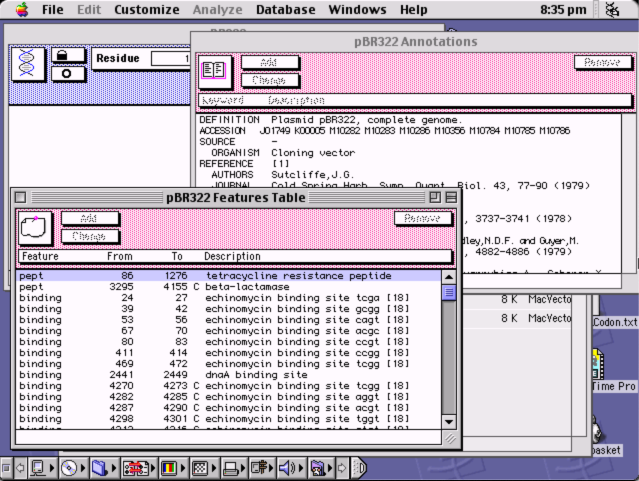
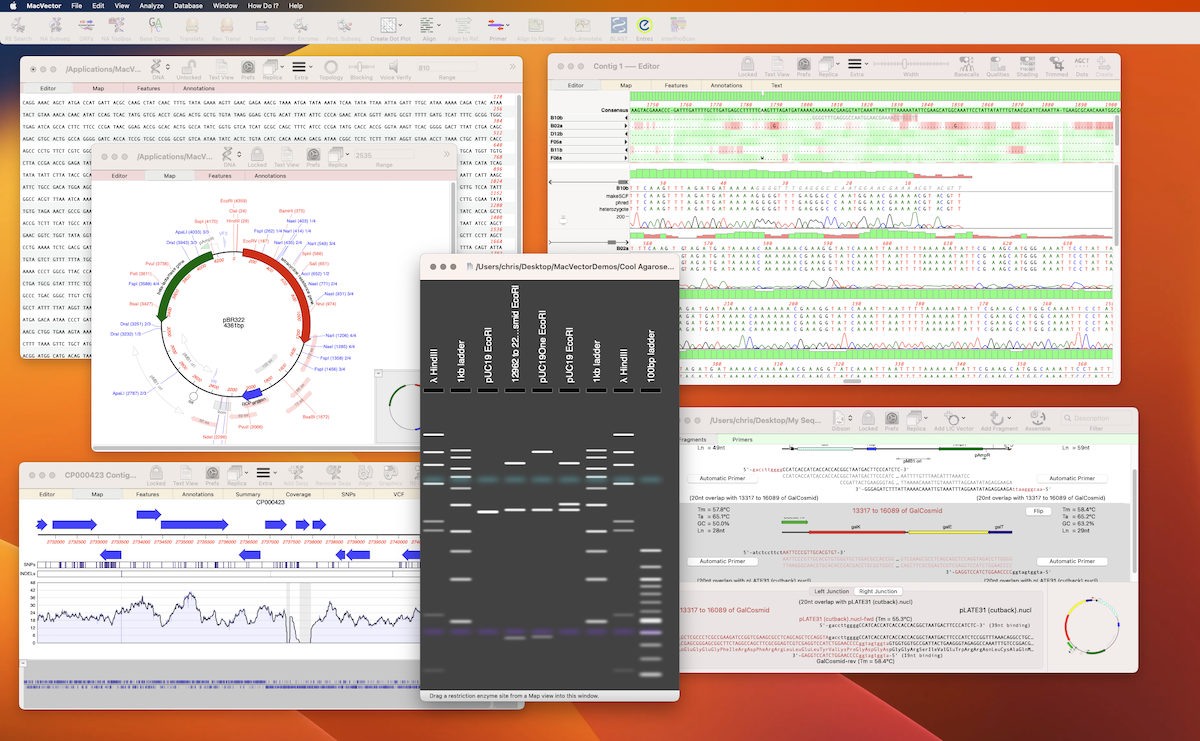
    So it is forty years since Steve Jobs walked onto the stage and announced the Mac! MacVector did not come about until six years later as MacVector 1.0 was released in March 1990! But we are still proud that MacVector has now been running on the Mac for over thirty years. Especially that MacVector 18.6…

    Read more: The 40th anniversary of the Mac!
    Jan 24, 2024

    —

    by

    Chris
    in General, Releases

  • Merry Christmas from all of us at MacVector….!

    We hope 2022 was a productive and enjoyable year for your research, and that MacVector has played some part in that. Once again, 2022 was not the uneventful year that we all hoped for. Perhaps 2023…? Before you go and relax with friends and family, help your colleagues make the most of MacVector and give…

    Read more: Merry Christmas from all of us at MacVector….!
    Dec 24, 2022

    —

    by

    Chris
    in General

  • MacVector 18.5 is macOS Ventura ready

    It’s that time of year again. Apple have just released macOS Ventura and we are very pleased to announce our current release, MacVector 18.2 has been tested on macOS Ventura and is compatible. Not only that but we have just a few weeks of testing left before our next release. MacVector 18.5 has been developed…

    Read more: MacVector 18.5 is macOS Ventura ready
    Oct 25, 2022

    —

    by

    Chris
    in Development, General

  • MacVectorTip: Using tabbed sequence windows in MacVector

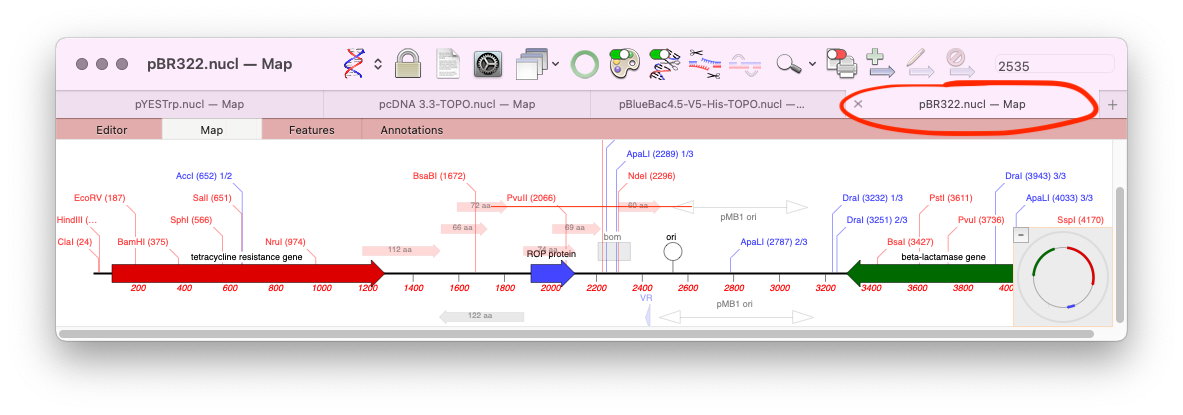
    One of the lesser known features of macOS is the ability to store all open documents of an application in tabs. Tabs were initially introduced for the Finder, but macOS Mavericks saw them apply to supported application document windows too. MacVector has supported tabs since their introduction, however, by default the Tab Bar is turned…
    Read more: MacVectorTip: Using tabbed sequence windows in MacVector
    Aug 19, 2021

    —

    by

    Chris
    in General
1 2 3 … 9
Next Page→

Workflows

  • Primer Design
  • Cloning
  • Sequence Assembly
  • CRISPR
  • Gibson Assembly

Assembly

  • Sequence Assembly
  • Genome finishing
  • Comparison with Sequencher

Resources

  • Privacy Policy
  • What’s New
  • Testimonials
  • Downloads

Support

  • Compatibility
  • Contact us
  • Importing sequences
  • Support

Social

  • Facebook
  • Instagram
  • Twitter/X

We produce software for the molecular biologist with a Mac!

The blue logo of MacVector, inc.