The blue logo of MacVector, inc.
  • Getting Started
    • What can MacVector do for my lab?
    • Overview
    • Sequence Assembly
    • Common workflows for the molecular biologist
    • Comparing sequences
    • Getting your sequence into MacVector
    • Importing sequences
    • Where to start
    • Primer design
    • Tutorials
  • Free Trial
  • Pricing
    • Pricing
    • Purchase online
    • Student and Postdoc licenses
    • What type of license should I buy?
      • MacVector Free
      • Maintenance
    • Quote Request
      • CeresBio
      • VtR Incorporated
      • VtR Incorporated
  • Support
    • Legal Information
    • Compatibility of older versions
    • Privacy and Security Policy
    • Downloads
    • InstallersInstallers of the current version of MacVector and older ones.
    • System Requirements
    • Tutorials
    • What’s New in MacVector.
    • Weekly Tips
  • Contact us
    • Email Options
  • Blog
    • Archives
    • Press releases
    • Testimonials
    • Weekly Tips

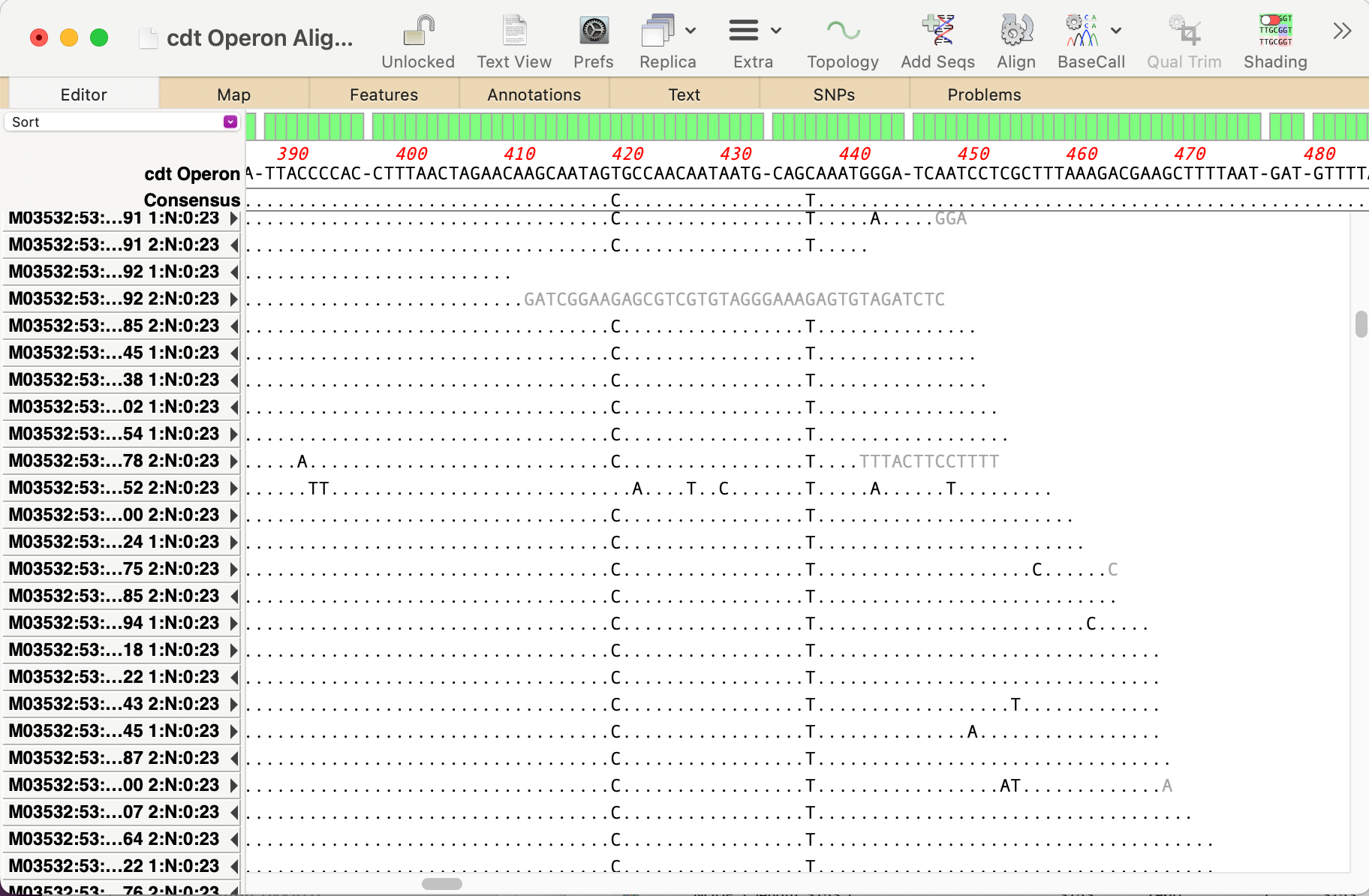
  • Handling Gaps in Multiple Sequence Alignment Consensus Calculations

    By default, MacVector ignores gaps when calculating the consensus of a multiple sequence alignment. However, this can lead to some unexpected results. For example, consider this three sequence alignment where one sequence has a long insertion compared to the other two. In this case it does not seem reasonable to believe that the “consensus” should…

    Three sequences aligned together.
    Read more: Handling Gaps in Multiple Sequence Alignment Consensus Calculations
    Sep 4, 2025

    —

    by

    Chris
    in Algorithms, Tips

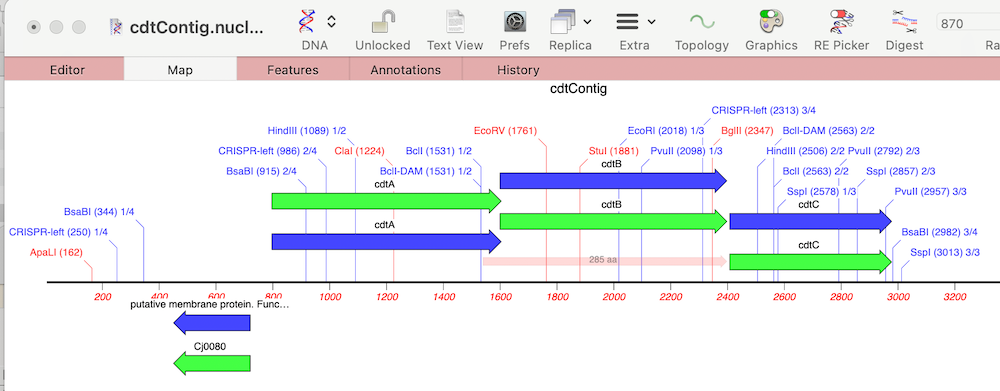
  • Automating annotation of sequences via BLAST

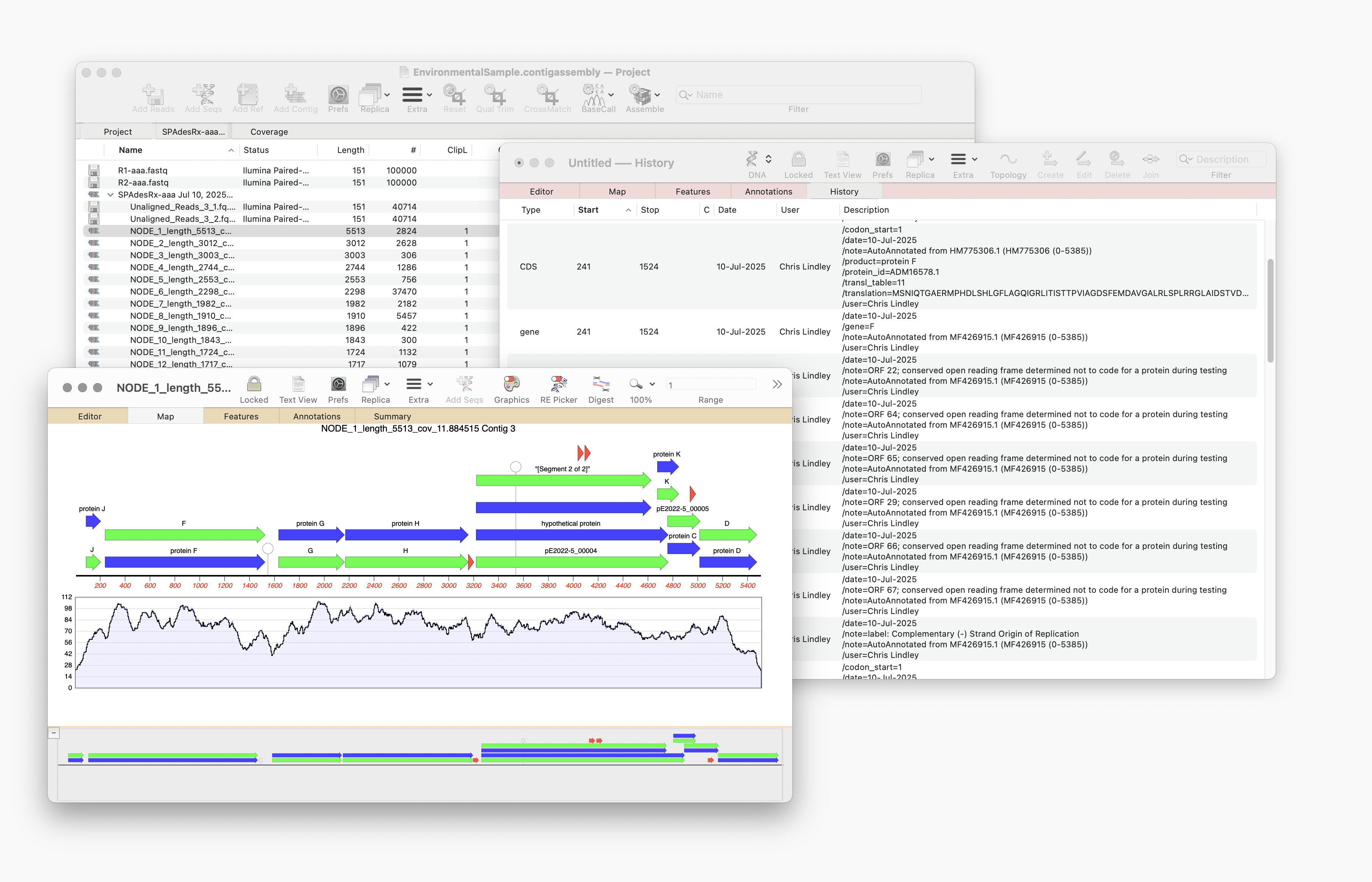
    MacVector 18.8 is out and it’s packed with new tools! MacVector 18.8 has tools to help you identify and annotate unknown, unannotated or partially annotated sequences. Ideal for identifying contigs from a de novo assembly. One of these new tools is AutoAnnotate (via BLAST) Auto-Annotate (via BLAST) is similar to Auto-Annotate (local), except instead of using curated sequences on your own…

    Read more: Automating annotation of sequences via BLAST
    Jul 23, 2025

    —

    by

    Chris
    in General, Releases, Tips

  • MacVectorTip: Annotating and Comparing Genome Segments

    In last week’s tip we showed you how to filter NGS read data to pull out and assemble just those reads that represent a specific gene of interest. Now let’s see how to annotate the single contig we generated and compare that to a reference genome. First, from the Contig Editor, you can save the consensus in MacVector…

    Read more: MacVectorTip: Annotating and Comparing Genome Segments
    May 8, 2025

    —

    by

    Chris
    in Tips

  • MacVectorTip: Use Align to Folder to filter NGS data for specific genes

    Even the latest Macintosh computers loaded with as much RAM as you can afford will still struggle to de novo assemble genomes much over 50 Mbp. But, often that is not required. If you are just interested in a few genes, or a specific region of a chromosome, you can use Align to Folder to filter the…

    Read more: MacVectorTip: Use Align to Folder to filter NGS data for specific genes
    May 1, 2025

    —

    by

    Chris
    in General, Tips

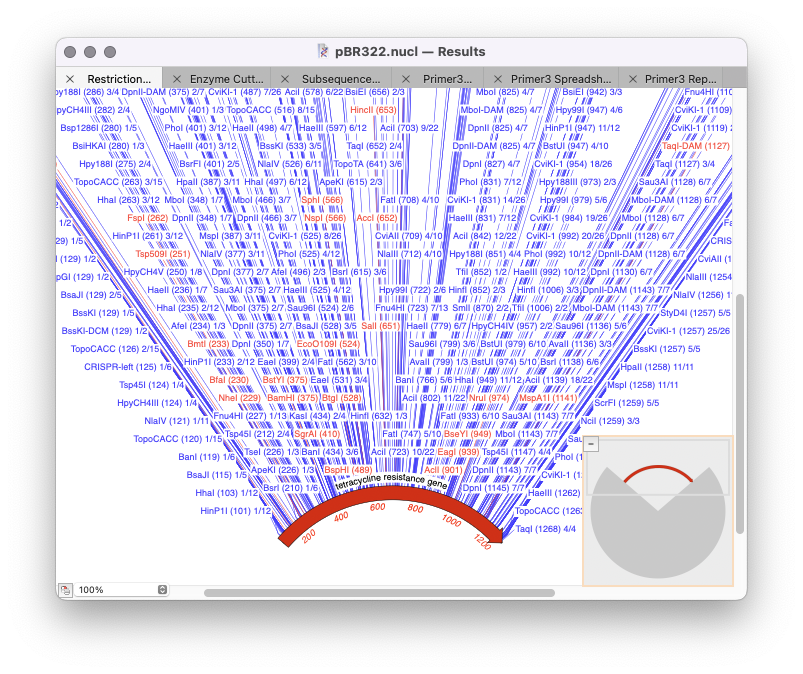
  • Optimizing analysis parameters from the results window

    The majority of MacVector’s analysis tools use a standard workflow: Optimizing results Once you have run the initial analysis then for subsequent analysis you can just repeat the analysis you have just done and further filter it. To do so you need to rerun the analysis tool except now select the Results window (at the…

    Read more: Optimizing analysis parameters from the results window
    Mar 26, 2025

    —

    by

    Chris
    in Techniques, Tips

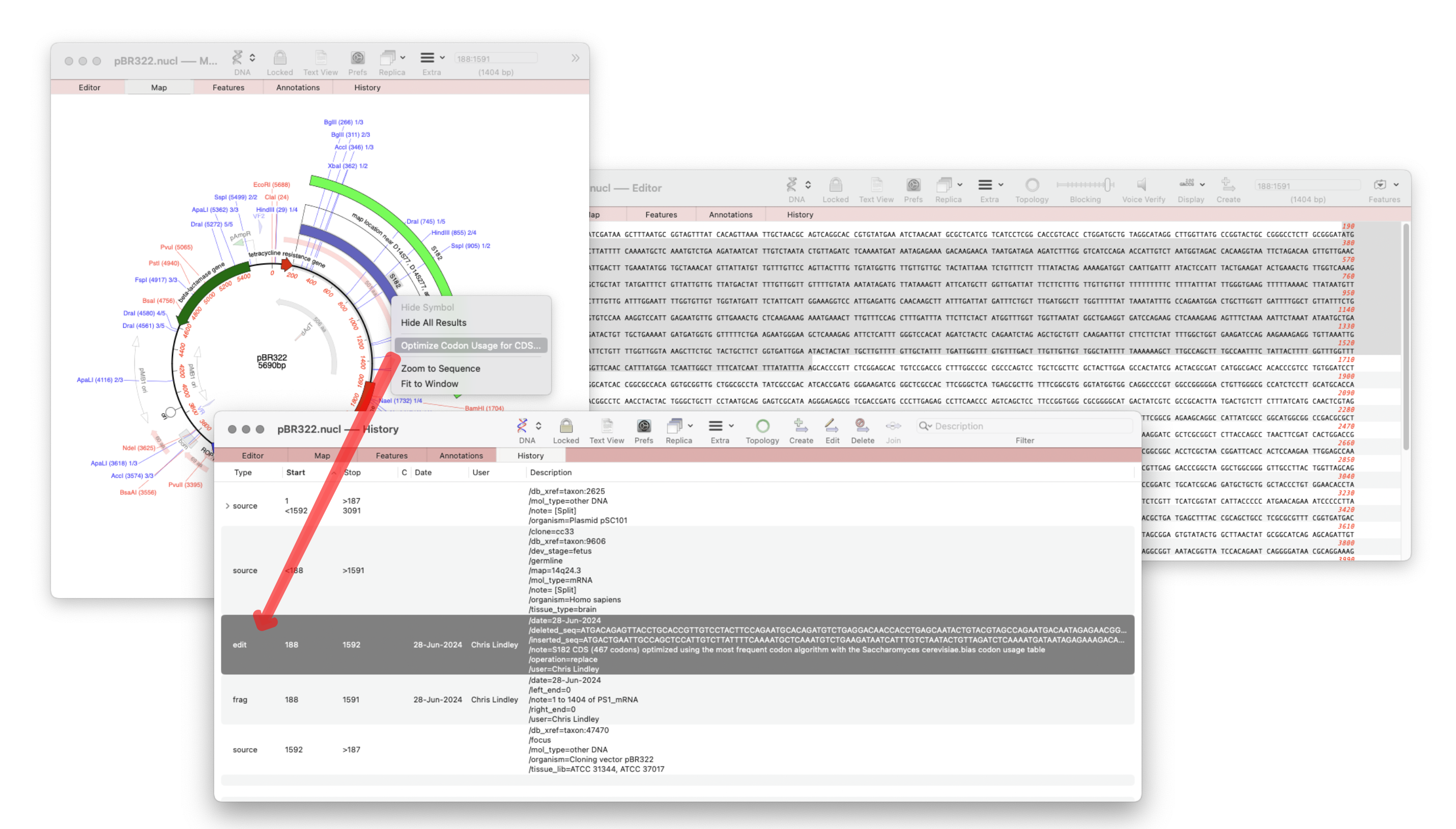
  • MacVector 18.7 – View the history of your plasmid

    The recently released MacVector 18.7 has a new History tab in the Single sequence editor that shows the editing history of your DNA sequences Since the introduction of MacVector’s Cloning Clipboard, all cloning actions (such as ligating a digested fragment into a vector) create a /FRAG feature that records the source of the ligated fragment, the restriction enzymes used to digest it (and…

    MacVector's History tab showing a Codon Usage optimization action
    Read more: MacVector 18.7 – View the history of your plasmid
    Sep 5, 2024

    —

    by

    Chris
    in Tips

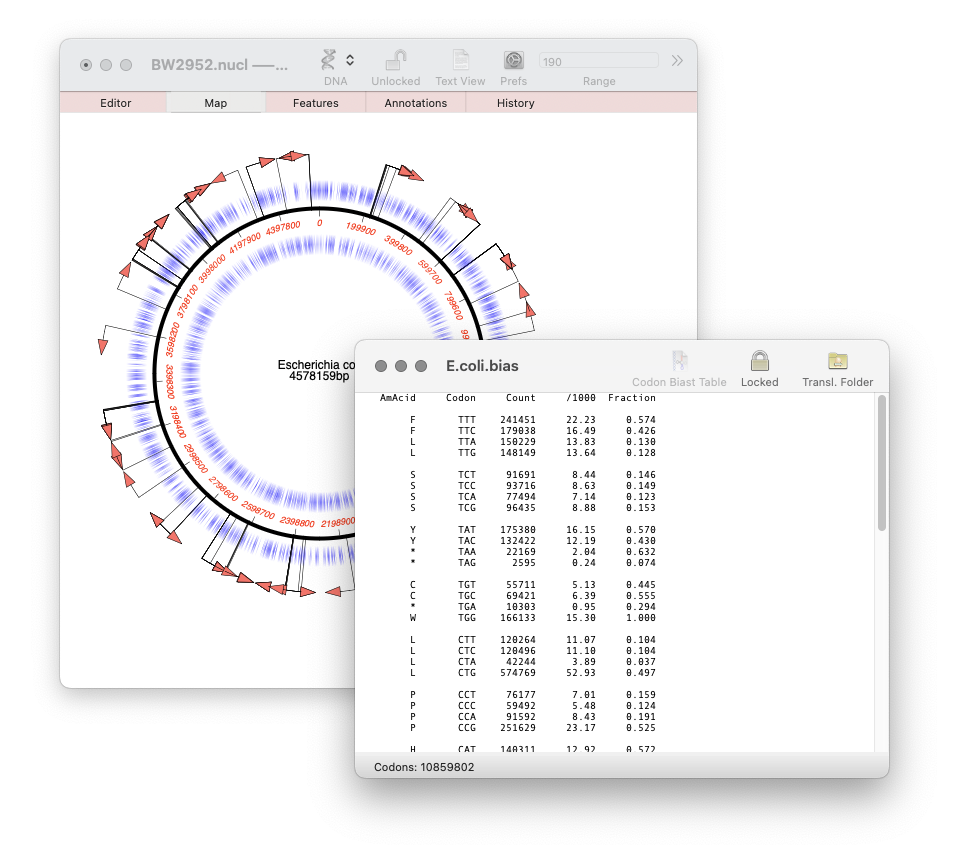
  • MacVector 18.7: Generating custom Codon Usage Tables (CUT) from your own sequences.

    Our latest release, MacVector 18.7, has a new Codon Usage Table viewer. You can use this to generate your own codon usage table (CUT or .bias) files. You can use codon usage tables to optimize codon usage of CDS features for enhanced expression in a different organism. They can also be used in the Nucleic Acid Toolbox to predict protein coding…

    Read more: MacVector 18.7: Generating custom Codon Usage Tables (CUT) from your own sequences.
    Jul 18, 2024

    —

    by

    Chris
    in Releases, Tips

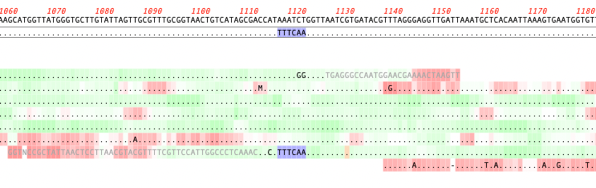
  • MacVectorTip: Quality scoring of manual edits to your contigs.

    Quality scoring of Assemblies and Align to Reference alignments can be visualized directly on the sequence. Residues can be shaded according to their quality scores. These can be displayed anywhere quality values are available, including de novo and reference assemblies in Assembler and Align to Reference alignments. The intensity of the shading of residues indicates…

    Read more: MacVectorTip: Quality scoring of manual edits to your contigs.
    Jun 12, 2024

    —

    by

    Chris
    in Tips

  • How to design a digest to screen minipreps after a ligation.

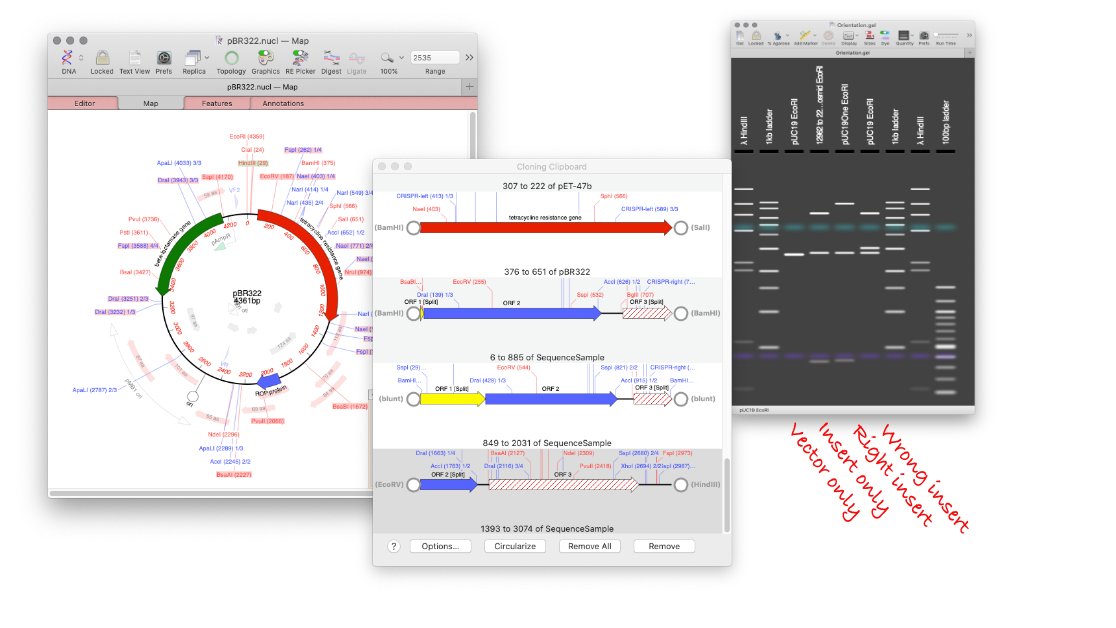
    MacVector’s Agarose Gel tool can be used to quickly design a restriction digest to screen minipreps following a ligation.  Replicate your ligation in MacVector. Create your agarose gel with the correct insert and a vector only lane. Undo the ligation, and repeat with the wrong orientation. Now you will end up with an Agarose Gel…

    A virtual agarose gel and a few sequence windows
    Read more: How to design a digest to screen minipreps after a ligation.
    Jun 12, 2024

    —

    by

    Chris
    in Tips

  • MacVectorTip: Grayed out graphics indicate Missing Features

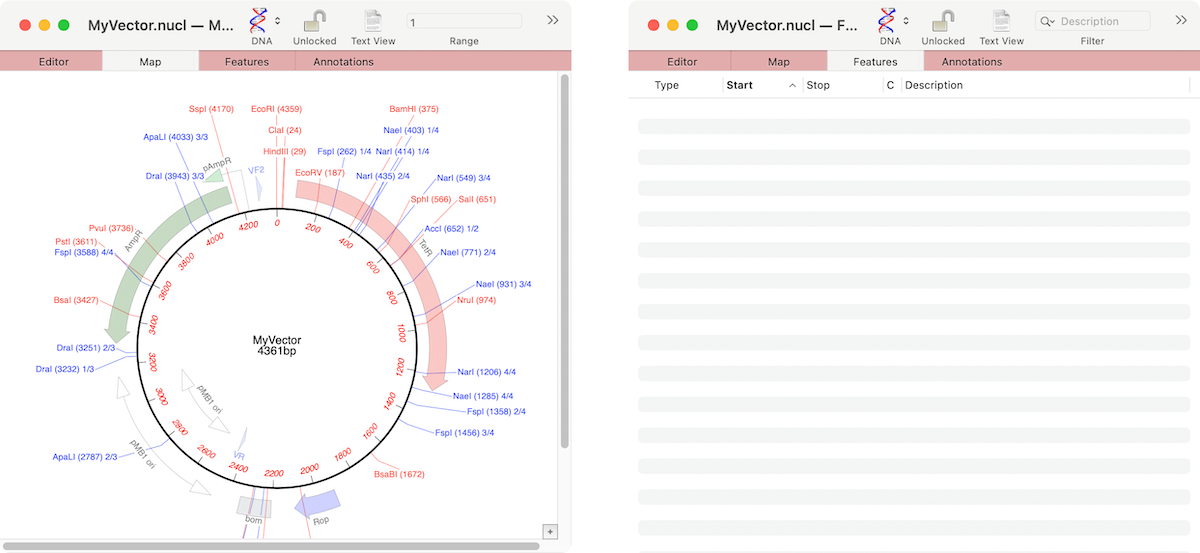
    If the graphics in a nucleic acid sequence Map tab appear somewhat “washed out” it is because the graphic items represent common features that MacVector has found that are not annotated on the sequence. For example, here are the Map and Feature tabs of an unannotated cloning vector; You can see a number of features…

    Two windows showing a graphical representation of a plasmid
    Read more: MacVectorTip: Grayed out graphics indicate Missing Features
    May 29, 2024

    —

    by

    Chris
    in Techniques, Tips
←Previous Page
1 2 3 4 … 28
Next Page→

Workflows

  • Primer Design
  • Cloning
  • Sequence Assembly
  • CRISPR
  • Gibson Assembly

Assembly

  • Sequence Assembly
  • Genome finishing
  • Comparison with Sequencher

Resources

  • Privacy Policy
  • What’s New
  • Testimonials
  • Downloads

Support

  • Compatibility
  • Contact us
  • Importing sequences
  • Support

Social

  • Facebook
  • Instagram
  • Twitter/X

We produce software for the molecular biologist with a Mac!

The blue logo of MacVector, inc.