
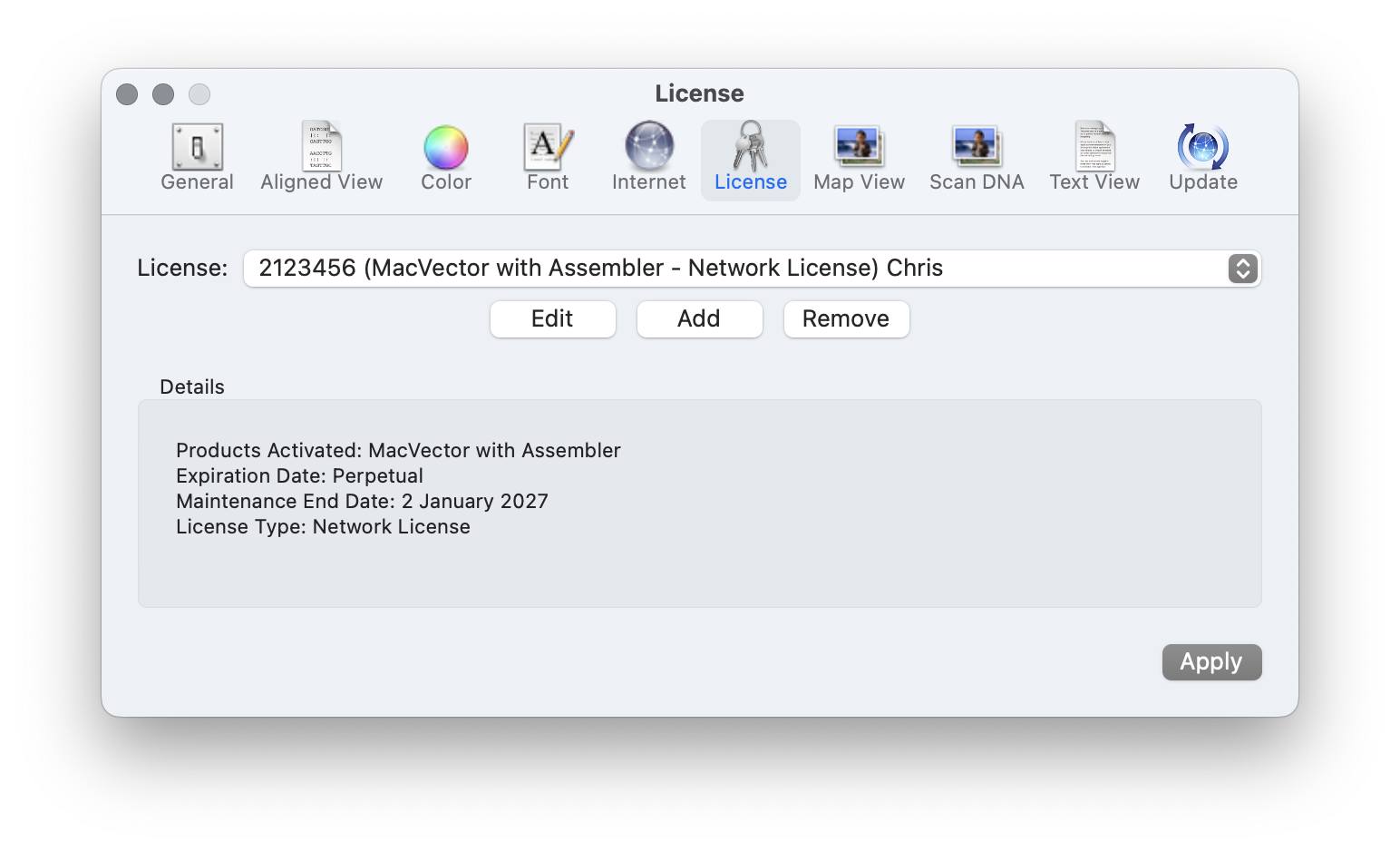
As well as having a license per user for larger sites we have concurrent usage or network licenses that allow an entire institute, or a large research group to share MacVector. Concurrent usage licenses give you a pool of licenses that can be shared across an entire network. The number of seats defines how many users can use the license concurrently.
Serverless vs KeyServer network licenses.
There are two options for Concurrent Usage licenses. For larger sites a license server is installed on a single server (TeamDynamix’s KeyServer) and each user’s Mac has a KeyClient application installed.
However, we also have zero-configuration Serverless network licenses. There is no extra software to be installed on the client and no server is needed. So if you do not need the extra monitoring that KeyServer will provide then consider migrating your network license to a Serverless license.
How do serverless network licenses work?
Basically when you activate the license on a client then it will no longer connect to a central network license server. When MacVector is launched it will instead look on the local network (using Bonjour the same way Macs find printers and other Macs) and checks the number of seats of the license that are running. If the number of running copies is less than the total number of seats then it will just run. If not then MacVector will issue a warning dialog and switch to MacVector Free functionality.
The only disadvantage is that you do not have access to any of the usage monitoring that KeyServer gives you.
However, it also has the advantage that if it cannot detect any other license running on the local network (for example if the user is at home) it will just run. So you do not need a VPN or other way of connecting to the KeyServer back in the institute.
How to migrate to a Serverless network license.
Migrating a license is exceptionally easy.
To switch each user will just need to enter the new license activation code (which they do with each license renewal anyway). There is no further configuration needed. In fact you can just turn off the KeyServer server when you are sure everybody has switched over.
- Contact the MacVector Support team to ask for a new license activation code.
- Enter the new code on each client
- There is no step 3!