

Which installer do I need?
The latest version of MacVector that you can run is determined by the maintenance end date of your license. You can find this by running MacVector and choosing the MacVector | About MacVector menu item;
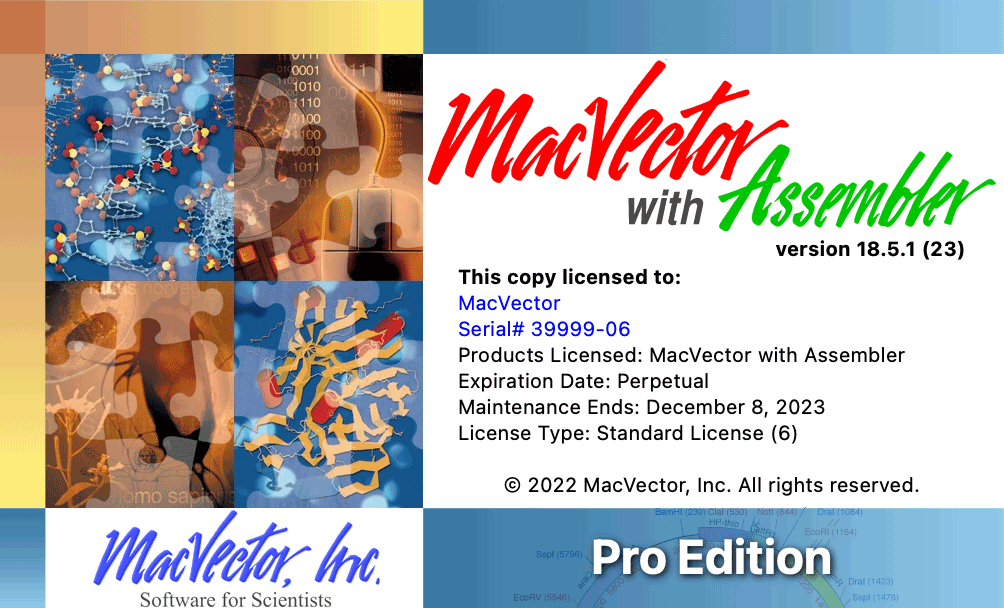
Typically, the maintenance end date is set to 12 months after the last time that you or your institution last purchased MacVector, an upgrade, or renewed a yearly maintenance contract. If you believe the displayed date is incorrect, please check that you entered the most recent activation code sent from support@macvector.com.
Next, look in the table below and find the most recent installer that your license can run:
Installers for older versions
Contact MacVector Support if you need an installer for MacVector 14.5 or earlier versions.