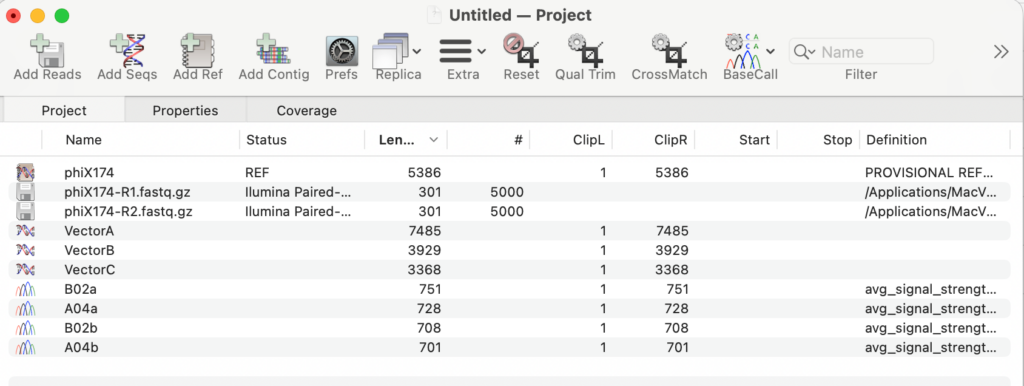
In September of 2024, we started including Assembler with all new, upgraded and renewed licenses of MacVector. Assembler is fully integrated within MacVector and is enabled by the license activation code.
However, it may be that your lab or institution has a new Assembler activation code after a renewal, but you are still using an old one.
Here are two quick ways to check that Assembler is activated on your Mac. If it is not then contact MacVector Support.
- Invoke the MacVector | About MacVector menu item to bring up the splash screen.
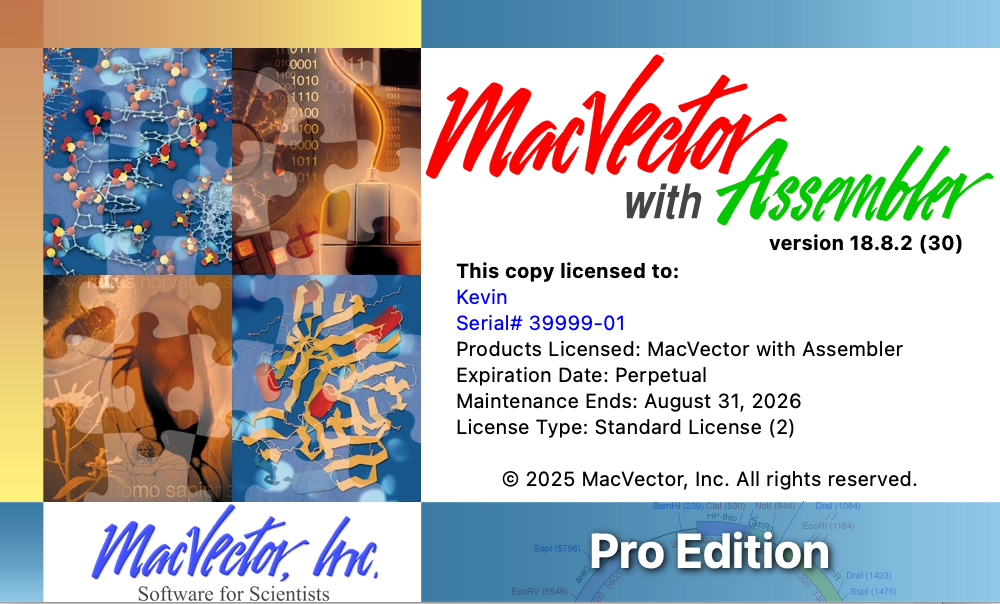
The dialog should say MacVector with Assembler. If yours just says MacVector then Assembler has not been enabled.
- Look for the menu item File | New |Assembly Project
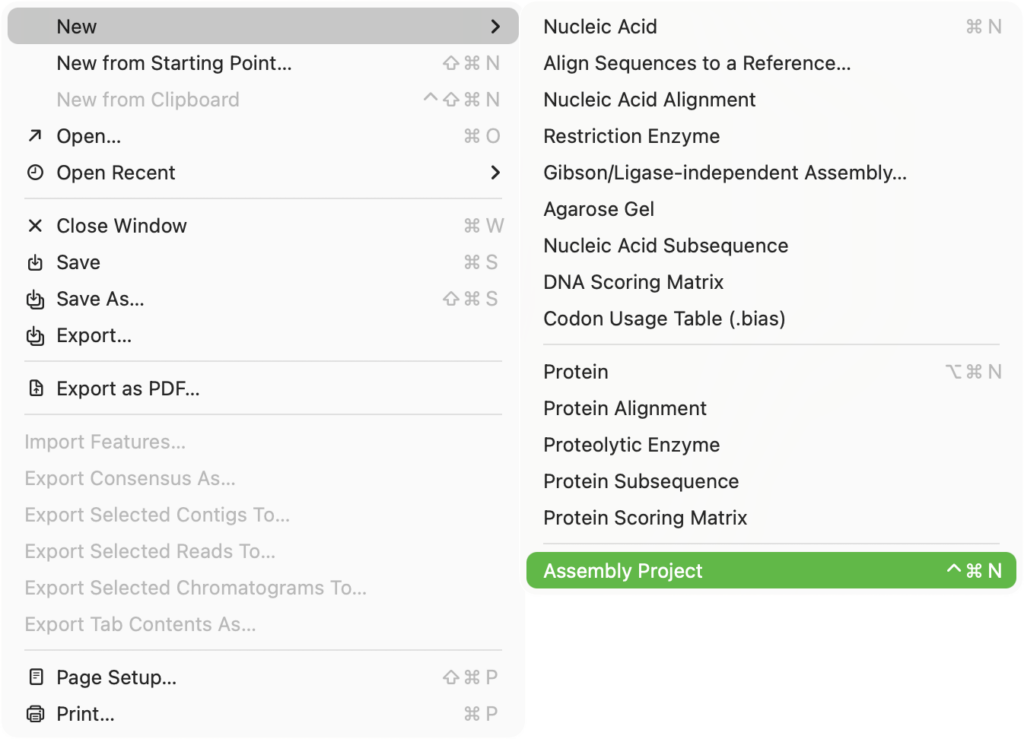
If this is missing, Assembler is not enabled.
When chosen a new Assembly Project window appears where you can add and manipulate sequences, chromatogram files and NGS read data.