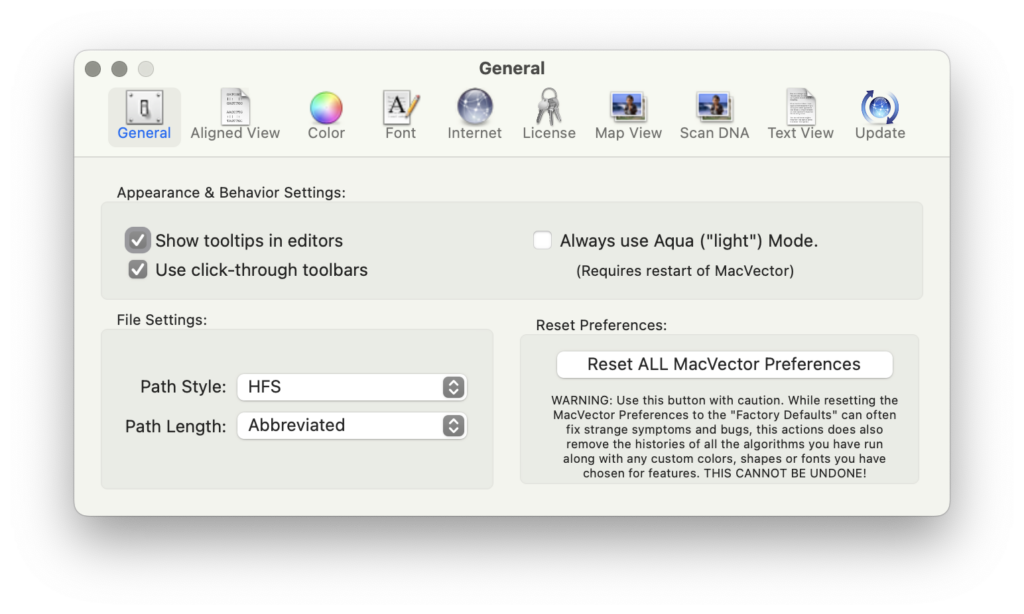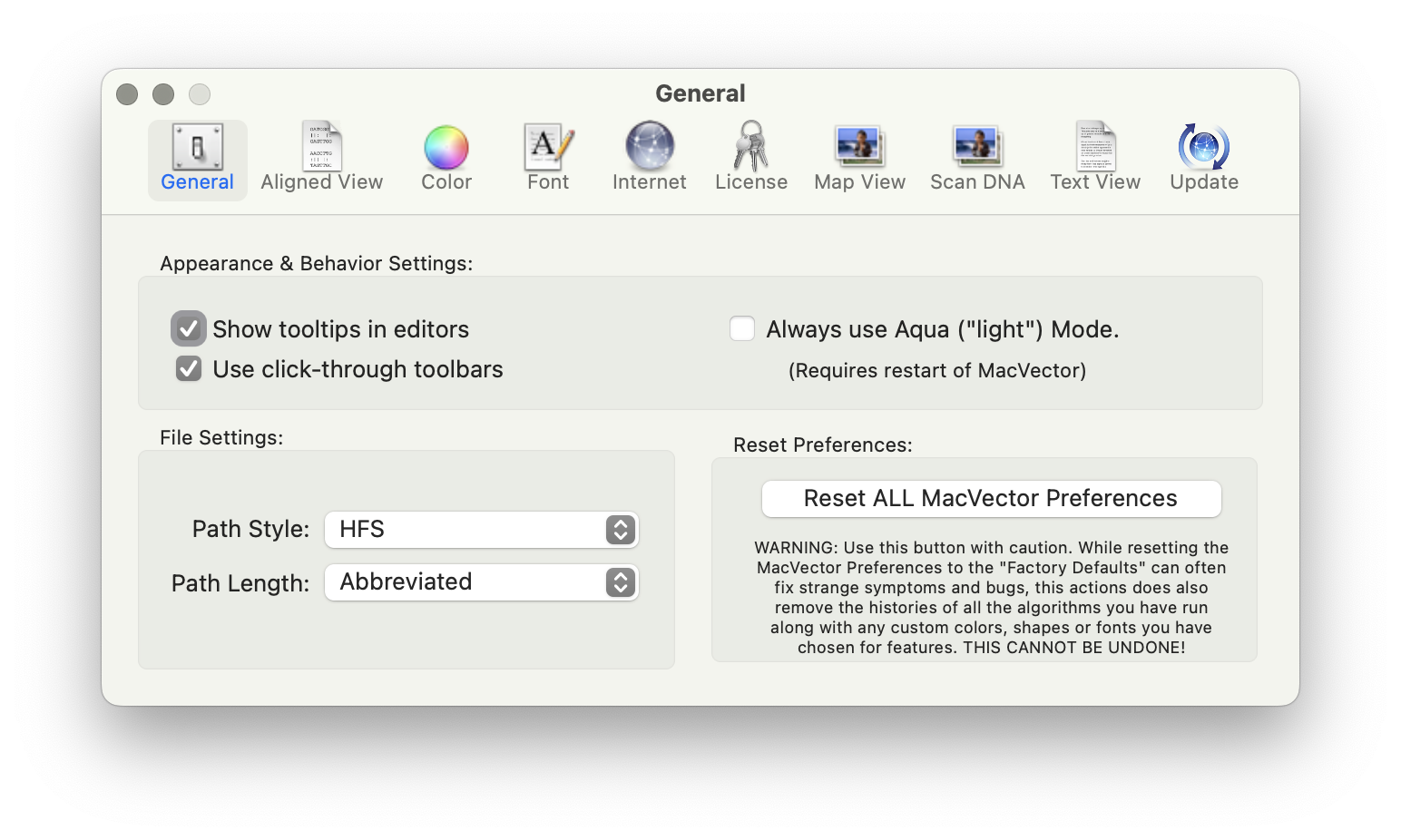
Very occasionally, you may find MacVector behaving unusually. Perhaps windows are not activating correctly, or functions you have used without issue for many years have suddenly started crashing, taking an excessive amount of time to run or generating nonsensical results. When such issues are reported to MacVector Support, we always try to perform an in-depth analysis of the problem, but quite frequently, it turns out that the user’s Preferences have become corrupted. Previously, we would recommend the use of a command line prompt or a custom AppleScript to reset the Preferences. However, recent macOS releases have enforced significant security limitations making these far from ideal solutions. Accordingly, we have now added a button to the Settings dialog to reset the Preferences with a single click;