

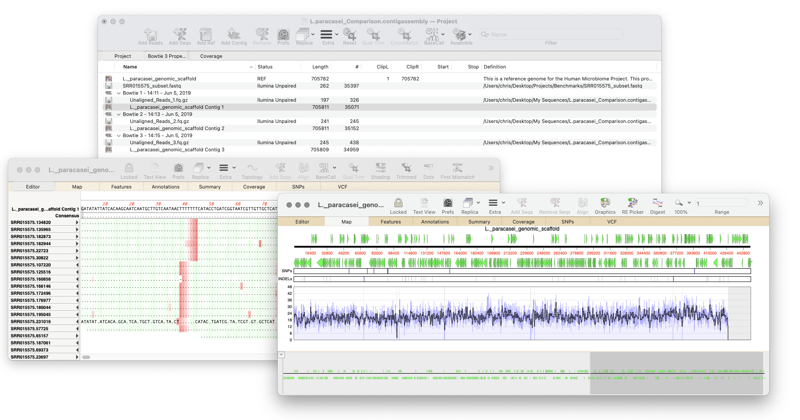
The Sequence Project manager makes it easy to manage your sequencing datasets.
Creating a sequence project
The first step in any assembly is to create a project in the Sequence Project Manager.
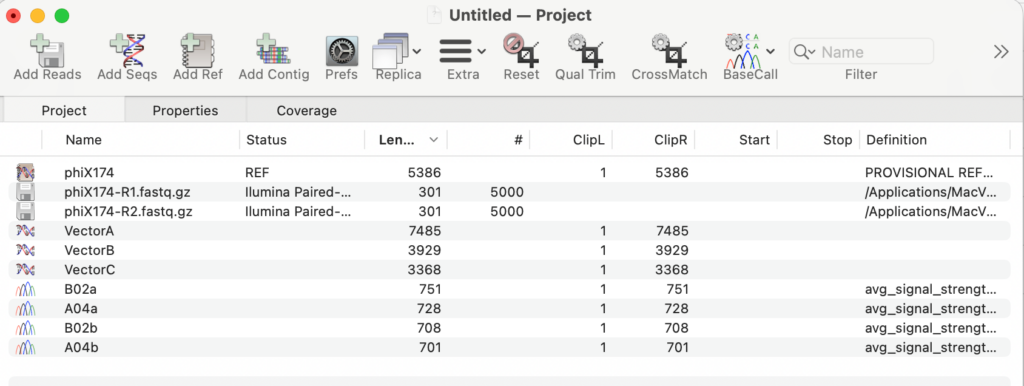
The Sequence Project manager supports all types of sequence data. You can import reference sequences, trace files, Fastq sequencing sets and all types of sequencing data. You may also import Sequencher sequencing projects directly.
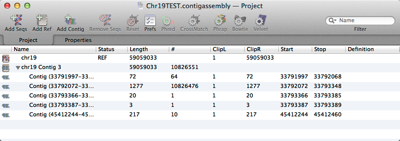
The Sequence Project manager allows you to store many sequencing files. You can run multiple assembly jobs, use different assemblers and compare the results.
Adding sequences and datasets
MacVector Pro with Assembler lets you directly import files in the following formats;
Chromatogram Files
MacVector will import Sanger trace files in all different formats.
- ABI (from 373, 377, 3700 and 3730 models)
- SCF version 2
- SCF version 3
- ALF
Sequencing read datasets
MacVector will manage all types of sequence datasets from many different DNA sequencers.
- Sanger reads
- PacBio
- Oxford Nanopore Technology (ONT)
- Illumina
- Ion Torrent
- 454
- Solid
MacVector requires sequences in fastq format which is the universal format for storing sequencing datasets.
Reference sequences
For mapping reads to a reference sequence using Bowtie2 or Minimap2 the Sequence Project manager will import any sequence format that MacVector supports. This is basically every type of sequence format.
Importing sequencing projects
You can also import existing sequence assemblies into MacVector
Assembling your sequencing datasets
Once you have imported your datasets into the Sequence Project manager then you can then analyze and assemble them.
Reference Assembly
You can may sequences to a reference using Bowtie2 or Minimap2. If you only have a small sequencing project, such as confirming a construct or mapping cDNA against a single gene then choose Align to Reference instead.
de novo Assembly
MacVector contains four different de novo assemblers.