
Sometimes watching a short video is a great way to learn a technique and we have many video tutorials on MacVector. Both short tips and also longer workflows.
Subscribe to our YouTube channel or browse the videos here too.
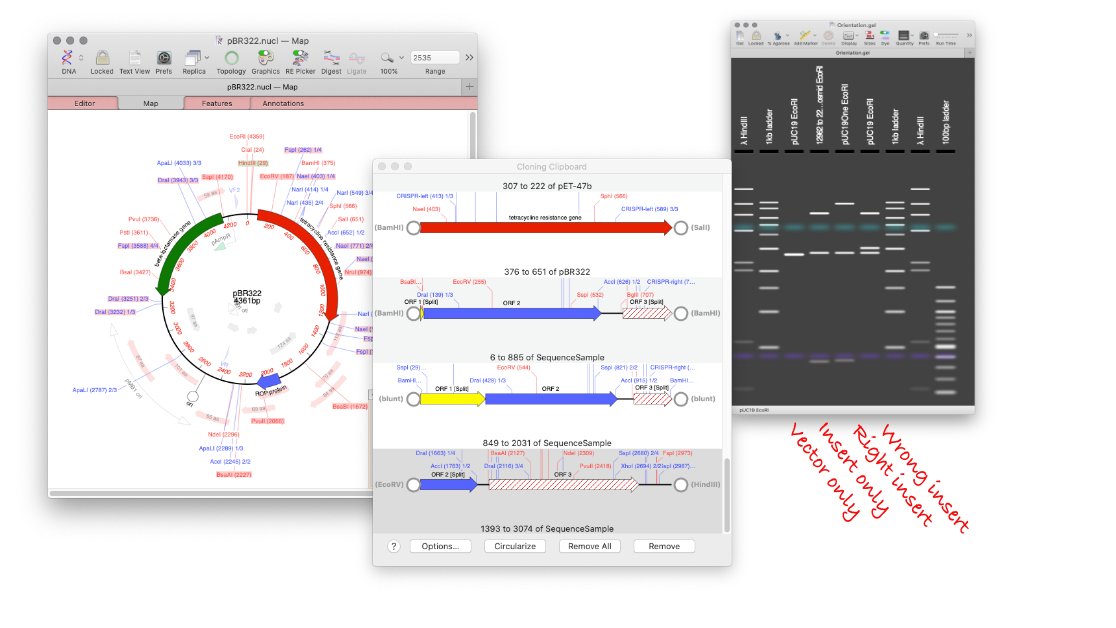
MacVector’s Agarose Gel tool can be used to quickly design a restriction digest to screen minipreps following a ligation. Replicate your ligation in MacVector. Select the two sites, for subcloning your targeted gene, and click DIGEST. Drag the digested fragment from the Cloning Clipboard to your vector click LIGATE. Create your agarose gel with the…
Continue Reading How to design a digest to screen minipreps after a ligation.
During the Covid-19 pandemic we want to ensure that you have access to the MacVector license that you would use in the lab, if you are working from home. If you use MacVector, even an older version, and are having trouble activating it (or installing it) at home email MacVector Support and we will help. If you…
Continue Reading Accessing video tutorials of common workflows inside MacVector
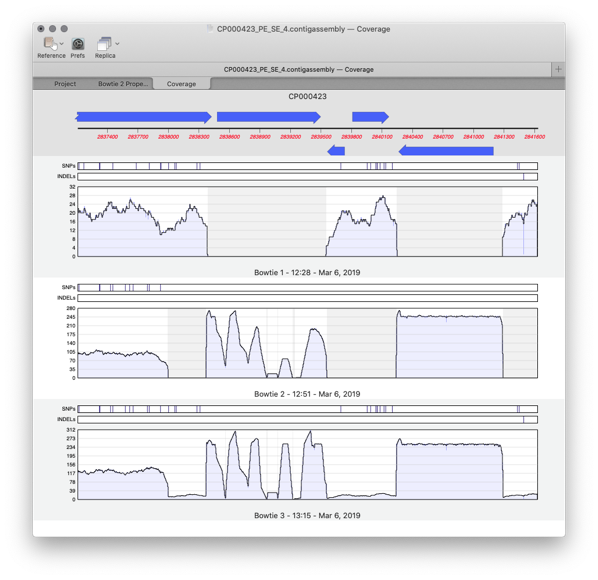
MacVector 17 has a greatly improved Assembly Projects manager, for better organization of multiple sequencing datasets, multiple references sequences and repeated jobs. Every time you run a new assembly job (either a reference assembly or de novo). A new job object is created in the Assembly Project window contains resulting contigs and any unaligned reads…
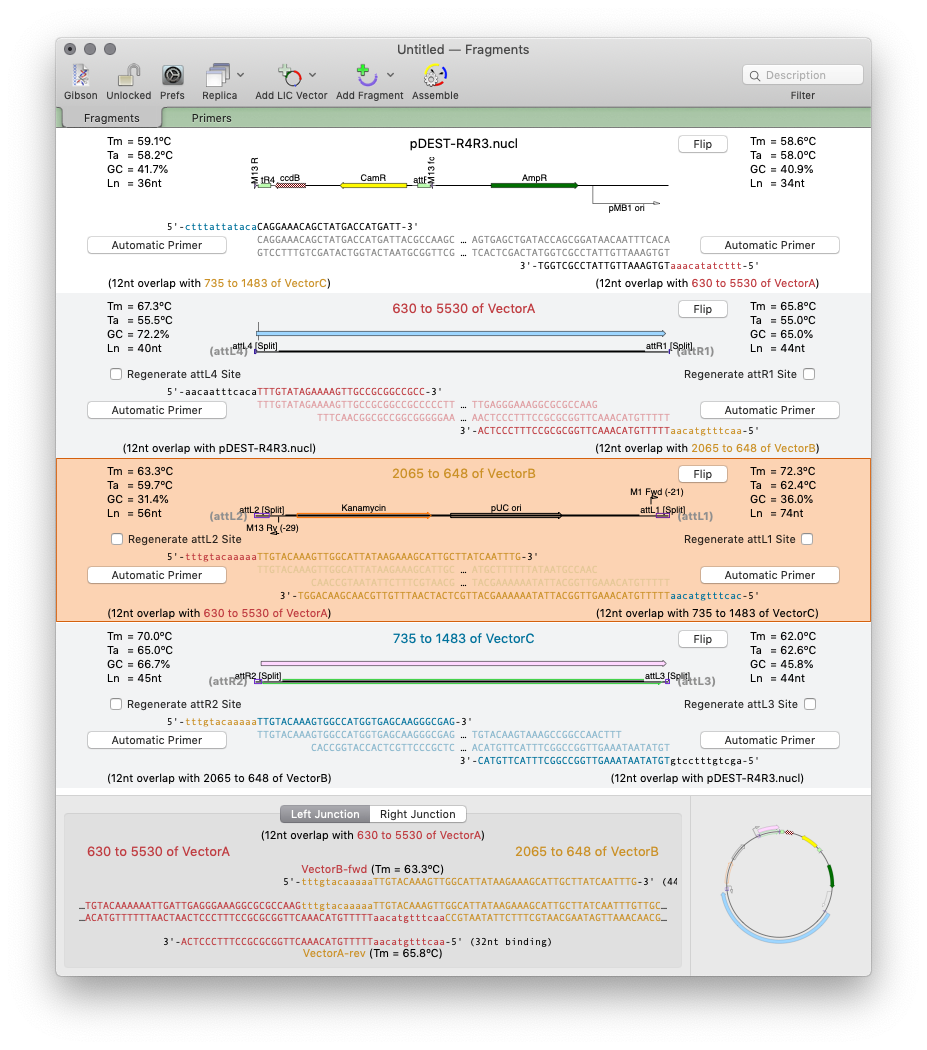
MacVector 17 has a completely new tool for automated design of ligase-independent cloning strategies. The tool supports 5’ exonuclease driven Gibson assembly as well as the T4 DNA Polymerase 3’ exonuclease “Ligase Independent Cloning” approach. MacVector can automatically design primers when you specify fragments and vectors to use. You can provide custom primers (manually or…
Continue Reading Designing primers for Gibson Assembly with MacVector 17
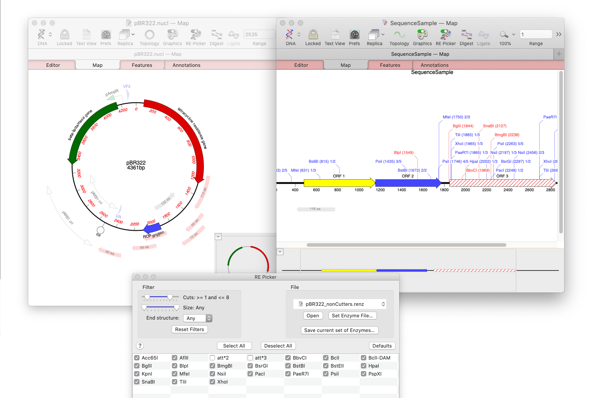
MacVector 17’s brand new Restriction Enzyme Picker is a new floating tool for selecting and filtering Restriction Enzymes to simplify the identification of useful enzyme cut sites. It initially presents you with a list of all available sites in a sequence. However, you can filter on many attributes, such as number of cuts, 5’ or…
How to design a digest to screen minipreps after a ligation.
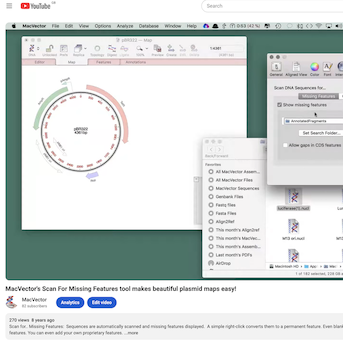
There are short video tips on using MacVector on our blog and our YouTube channel. Each one is less than two minutes and generally shorter than that! Please subscribe so you don’t miss any! The latest screencasts include quickly annotating a gene to a sequence, confirming a small sequencing project against a reference and checking…
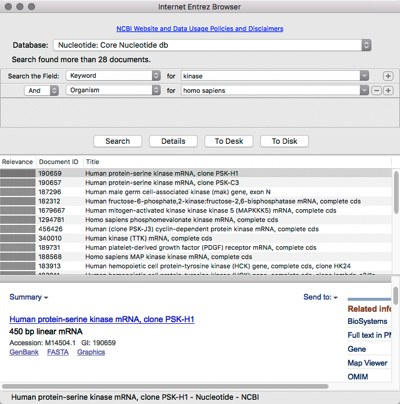
MacVector has integrated connectivity to the NCBI BLAST and Entrez databases. You can directly search Entrez for DNA or Protein sequences based on features, authors, keywords etc and directly download them into MacVector, complete with all features and annotations. https://youtu.be/QfigGPo1GxY
Continue Reading Searching and downloading sequences from Entrez