
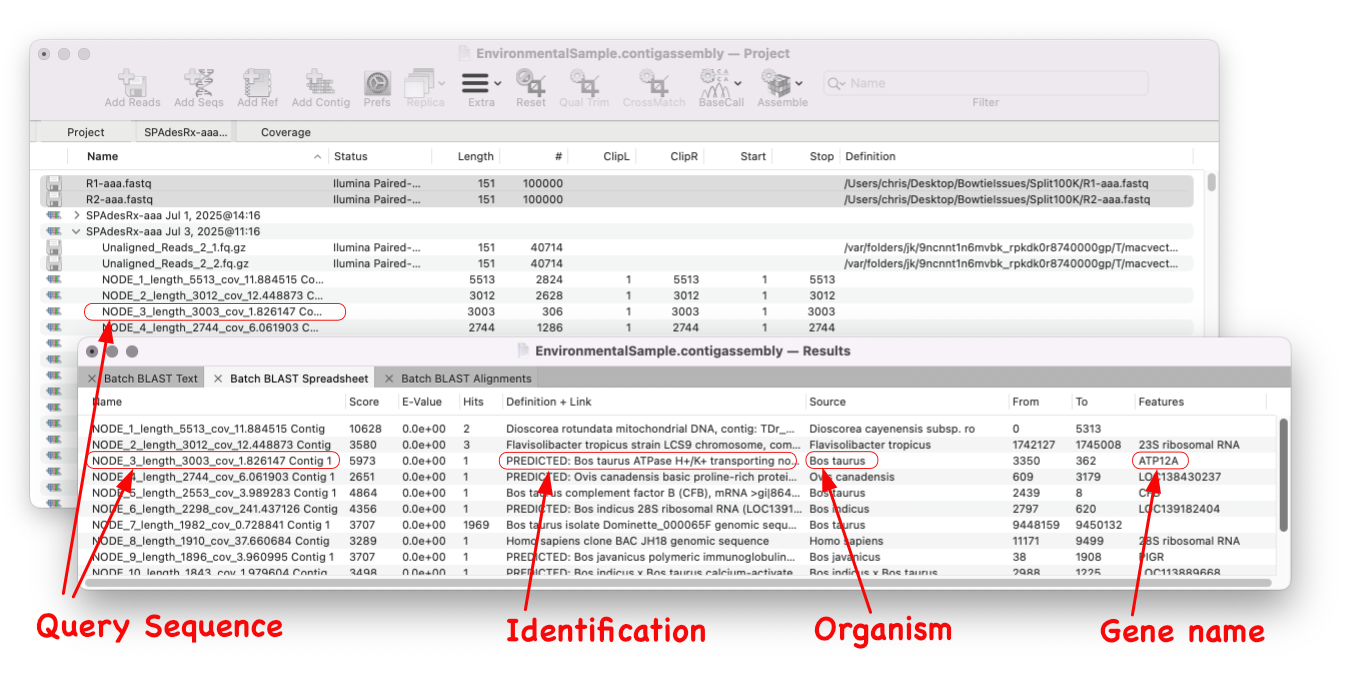
MacVector 18.8 is out and it’s packed with new tools! MacVector 18.8 has tools to help you identify and annotate unknown, unannotated or partially annotated sequences. Ideal for identifying contigs from a de novo assembly. One of these new tools is AutoAnnotate (via BLAST)
Batch BLAST is a game-changing feature that revolutionises the way you identify unknown sequences. With just one simple step, you can identify a whole group of sequence. Ideal for identifying contigs from a de novo assembly.
All you need to do is select your sequence and Batch BLAST will automate the entire procedure of a BLAST search for every one. Batch BLAST will present you with a simple Results spreadsheet with the highest scoring hit for each contig/sequence and will also list any gene (or CDS, mRNA etc.) annotated to the hit sequence.
Batch BLAST is ideal for identifying sequences, for example a bunch of configs from a de novo assembly job.
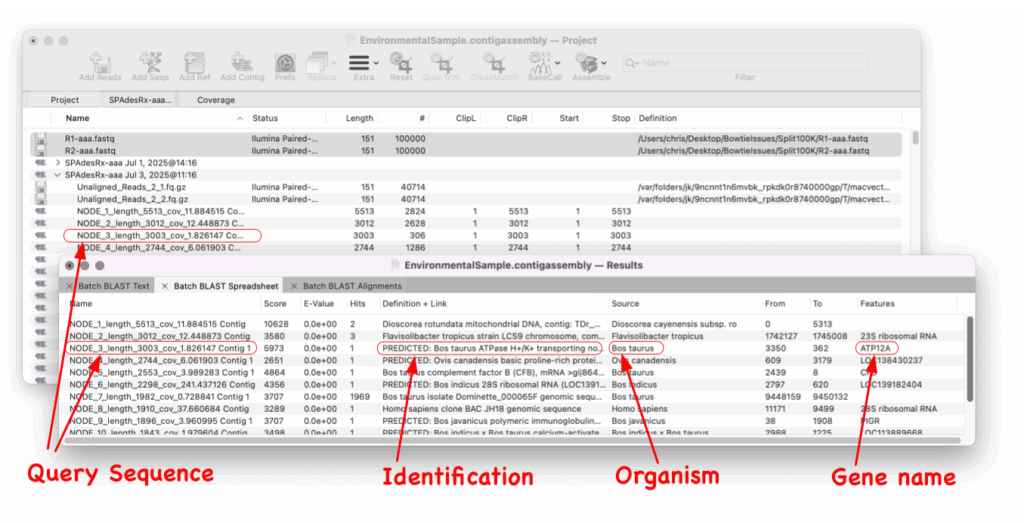
Since Batch BLAST runs directly from the Assembly Project manager you just select the contigs and select Batch BLAST. The results spreadsheet shows the sequence entry and also any gene that is annotated to that hit.
It’s not just contigs though. Batch BLAST automates searches for any sequence. Just add them to the Assembly Project manager via the ADD SEQS button, select and run Database | Online Search for Similar Sequences (Blast).