

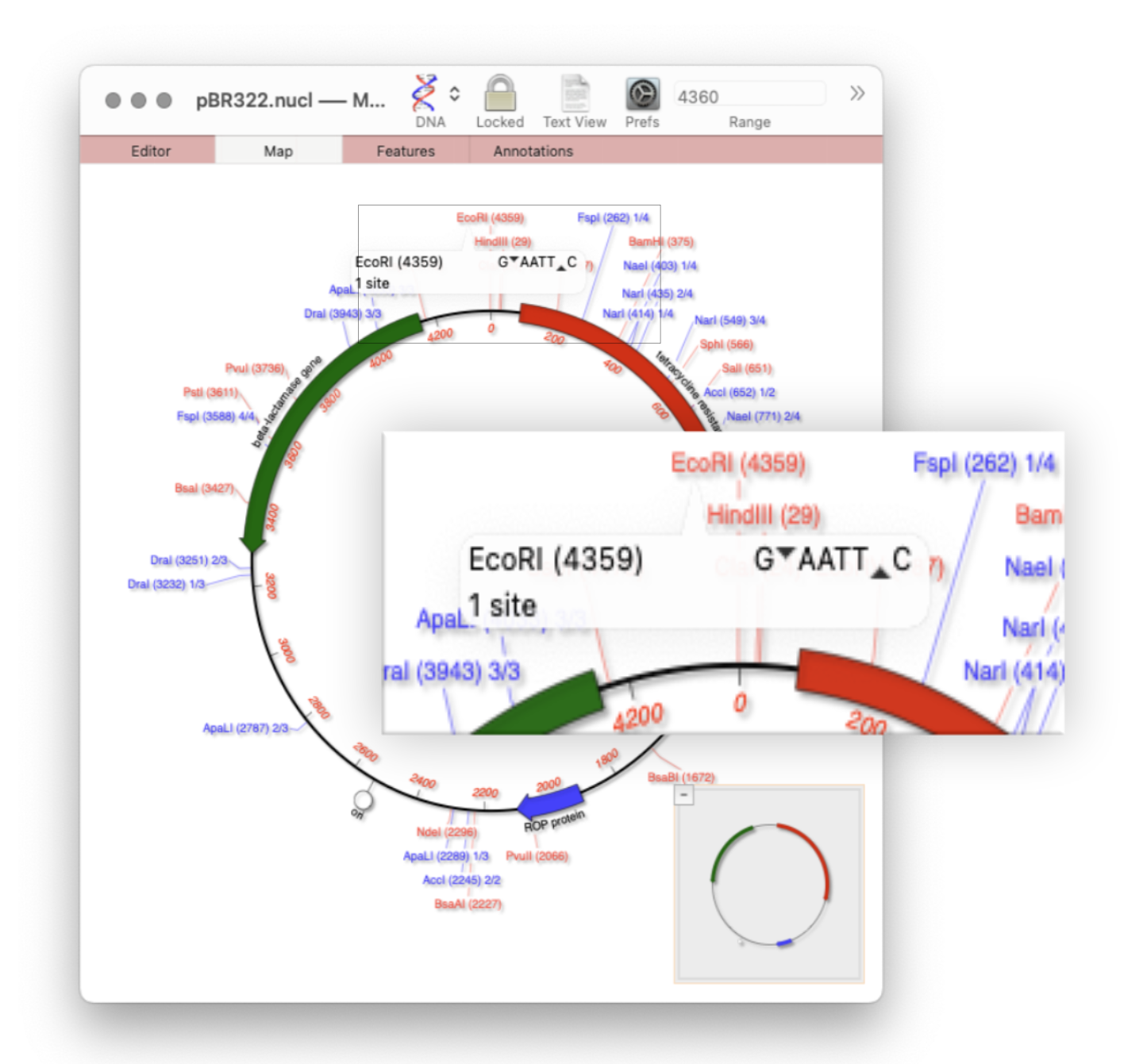
Quickly viewing the recognition sequence and cut site of a restriction site is very easy in the Map tab.
If you hover your mouse over a restriction site in the Map tab, a tooltip will show you the restriction enzyme recognition site, the location of the cut site, and number of times that enzyme cuts your sequence.
- Make sure Preferences | Map View | Automatic RE Analysis is turned on
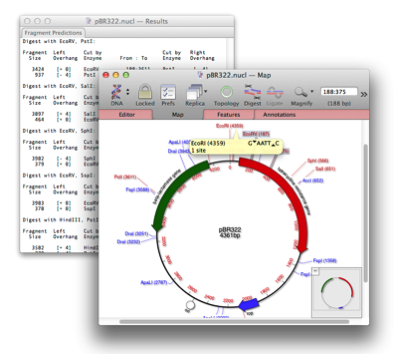
You can also see the full sequence and cut site when zoomed to sequence level in the Map tab.
- In the Graphics Palette click the Zoom to Residue button.
See this post for further details: