

Tag: cloning
-
Introduction to Golden Gate Cloning
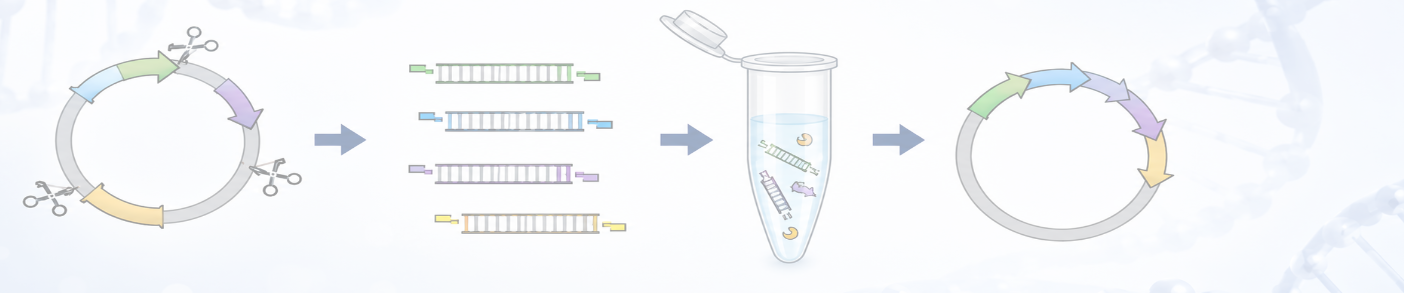
MacVector 26 (released July 2026) saw the addition of Golden Gate Cloning to the Cloning Project Manager. Golden Gate Cloning is a molecular cloning technique that enables the seamless, orderedassembly of multiple DNA fragments into a single construct in one reaction. Its defining featureis the use of Type IIS restriction enzymes, which recognize specific asymmetric…
-
MacVector 26 has just been released!
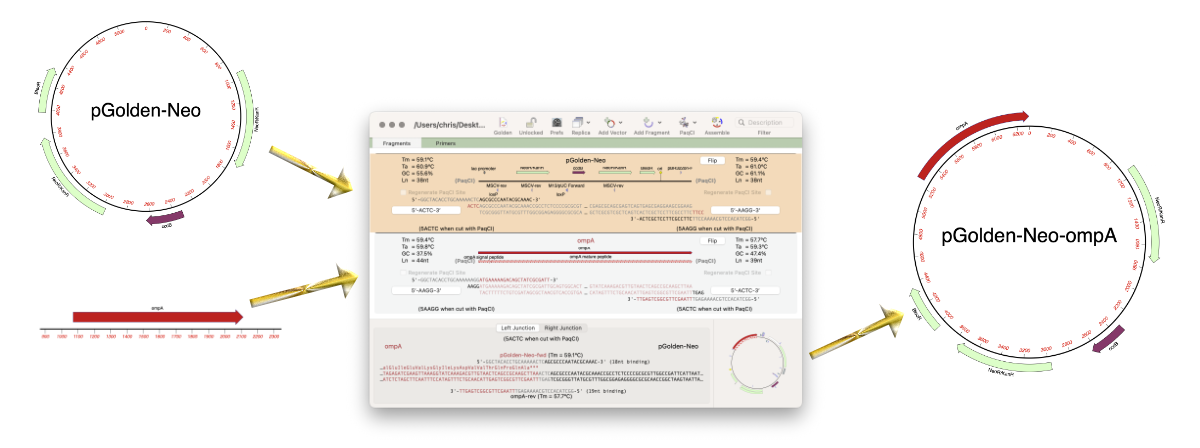
MacVector 26 was released last week (13 July 2026) and it’s a significant release. MacVector 26 has new features for designing and documenting cloning workflows and for managing your sequences. The new Cloning Project Manager allows you to design Golden Gate Cloning workflows. So along with Ligase Independent Cloning, Gibson Assembly and traditional restriction enzyme…
-
Golden Gate Cloning
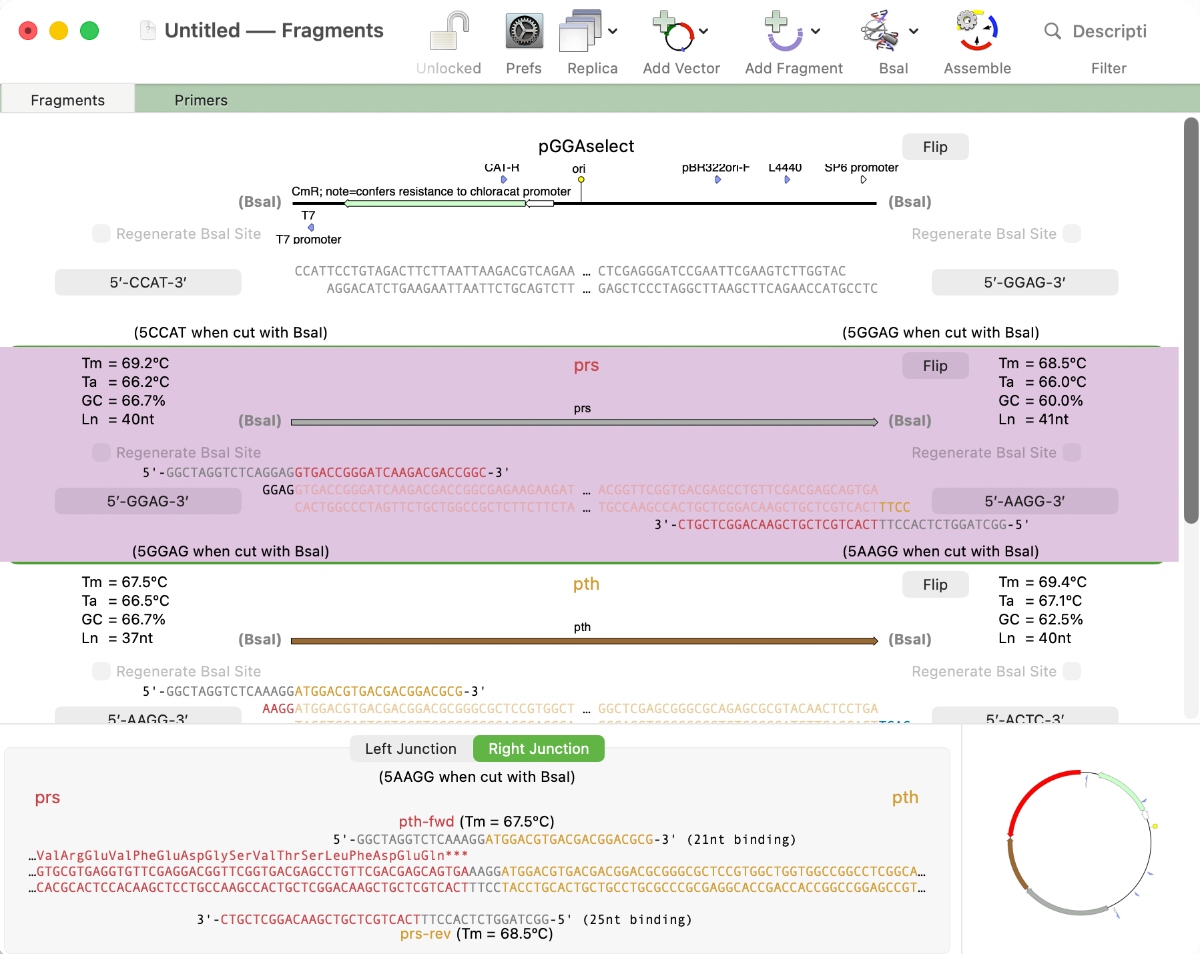
MacVector 26 sees the addition of Golden Gate Cloning to MacVector’s Cloning Project Manager We are just putting the finishing touches to a new Golden Gate Cloning interface for our next release of MacVector. Based on our existing Gibson Assembly interface, this new functionality lets you design constructs using the popular Golden Gate approach. This takes advantage…
-

MacVectorTip: How to view the edit history of your sequence
MacVector’s History tab shows the edit history of your DNA sequences. Some of MacVector’s editing tools will annotate every modification to your sequence. For example with the Cloning Clipboard, all cloning actions (such as ligating a digested fragment into a vector) create a /FRAG feature that records the source of the ligated fragment, the restriction enzymes used to digest it (and…
-
MacVector 18.7: Generating custom Codon Usage Tables (CUT) from your own sequences.
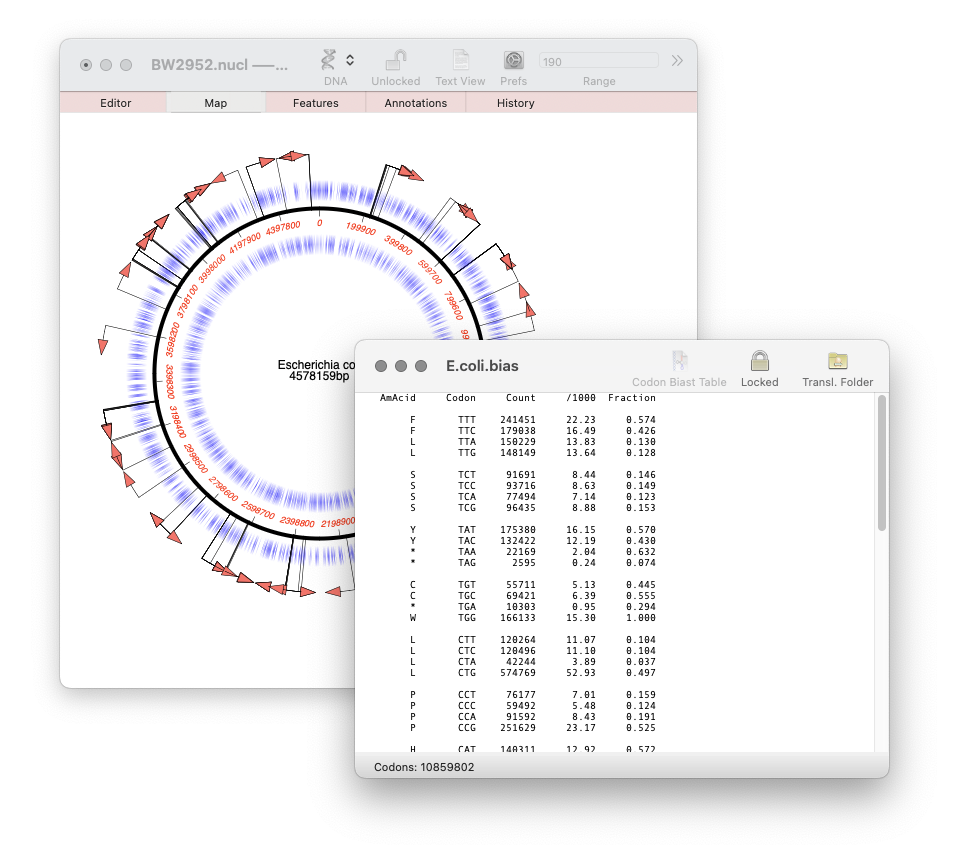
Our latest release, MacVector 18.7, has a new Codon Usage Table viewer. You can use this to generate your own codon usage table (CUT or .bias) files. You can use codon usage tables to optimize codon usage of CDS features for enhanced expression in a different organism. They can also be used in the Nucleic Acid Toolbox to predict protein coding…
-
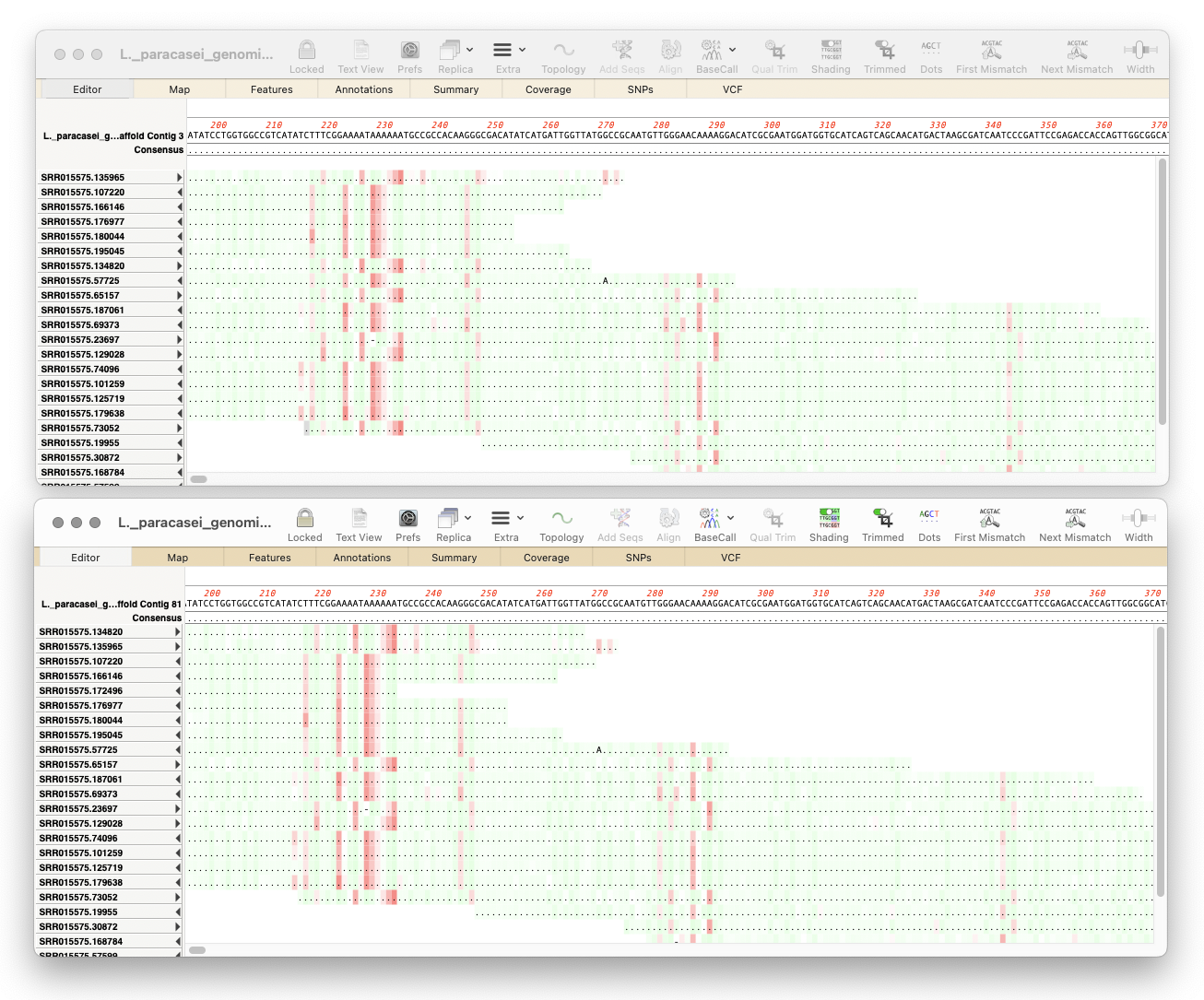
MacVector 18.7 has just been released.
MacVector 18.7 has just been released. If you are eligible for this release you will be prompted to upgrade, otherwise go to MACVECTOR | CHECK FOR UPDATES… and follow the prompts to be automatically upgraded. If your license is not eligible then why not upgrade? Overview MacVector 18.7 introduces a History tab to track the…
-
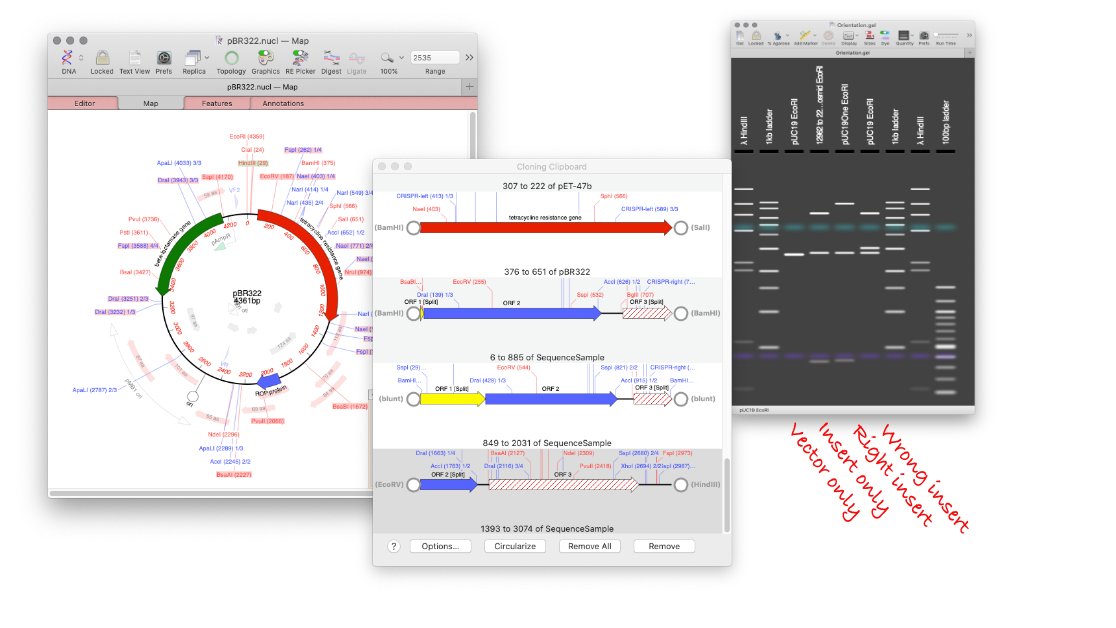
How to design a digest to screen minipreps after a ligation.
MacVector’s Agarose Gel tool can be used to quickly design a restriction digest to screen minipreps following a ligation. Replicate your ligation in MacVector. Create your agarose gel with the correct insert and a vector only lane. Undo the ligation, and repeat with the wrong orientation. Now you will end up with an Agarose Gel…
-
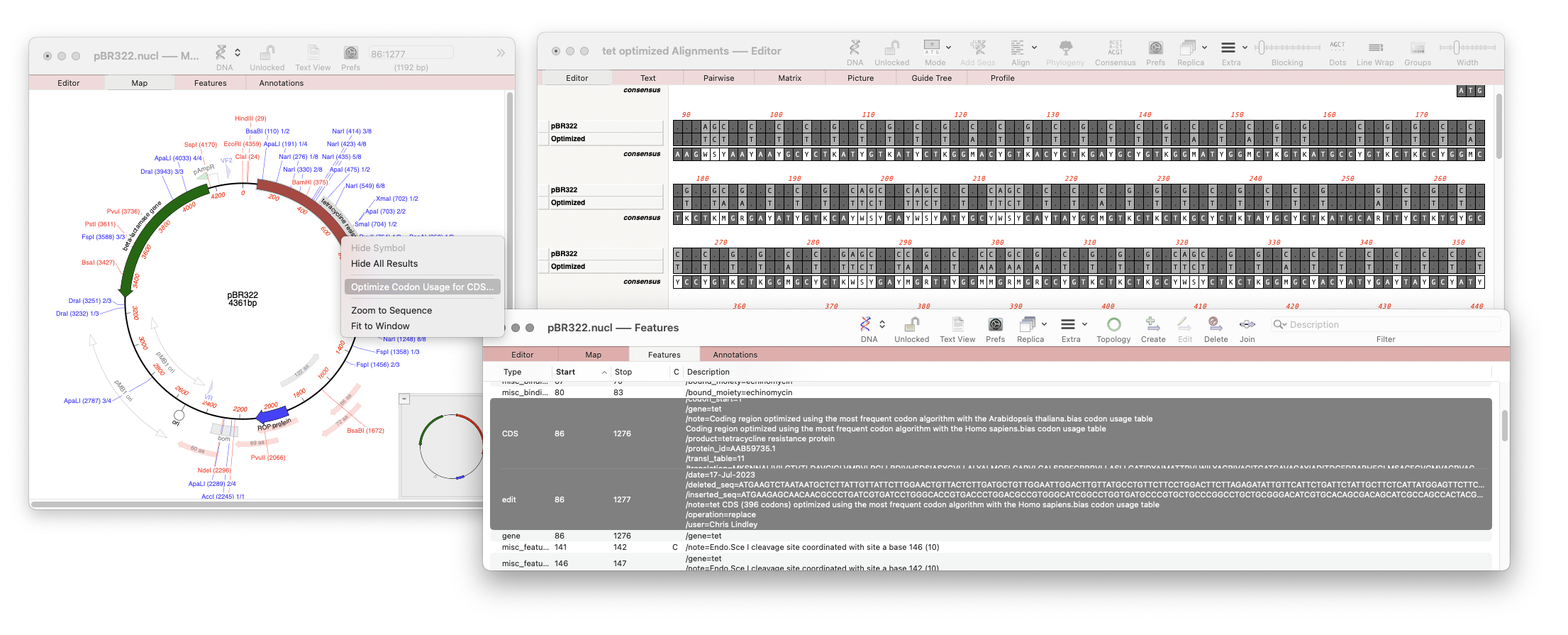
One click Codon Optimization of CDS Features
Our latest release, MacVector 18.6 has a new tool that will directly optimize codon usage of CDS features for enhanced expression in a different organism. The new tool pulls together multiple tools into a one step procedure which can be run by selecting a CDS feature in your nucleic acid sequence and running Analyze |…
-
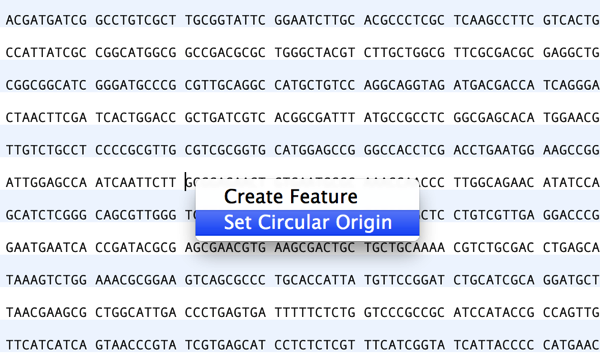
Setting the Numbering Origin
Preserving sequence numbering is particularly useful if you want to work on a smaller more manageable region of a large chromosome but wish to retain the original numbering. When you copy a section of a larger sequence and paste the copy into a new MacVector sequence window (or use FILE | NEW FROM CLIPBOARD), the…
-
MacVectorTip: How to find Restriction Enzymes that only cut outside of a specific region
One common cloning related task is to ask MacVector to find restriction enzyme sites that cut in a molecule, but that do not cut in a specific region. e.g. suppose you want to find restriction enzymes that cut pBR322 but that do not cut in the Tetracycline Resistance Gene. There are multiple ways to do this…