Over the past few releases of MacVector, we have changed primer testing considerably. Now all primer design and testing can be done using Quicktest Primer for a single primer and Primer Design (Primer3) for pairs of primers.
If you want to test an existing pair of primers for suitability, use the following steps:
- Open the target sequence and choose Analyze | Primers | Primer Design/Test(Pairs).
- Click on the Use This Primer checkbox for both the left and the right primer. The mode changes to Test Primer Pair.
- Now paste or type the primer sequences you want to test into the two edit boxes.
- If you get warnings that the primer(s) are of an invalid size or %G+C, then click on the Advanced options button and modify the settings in the Characteristics tab.
- Click on the OK button to run the test.
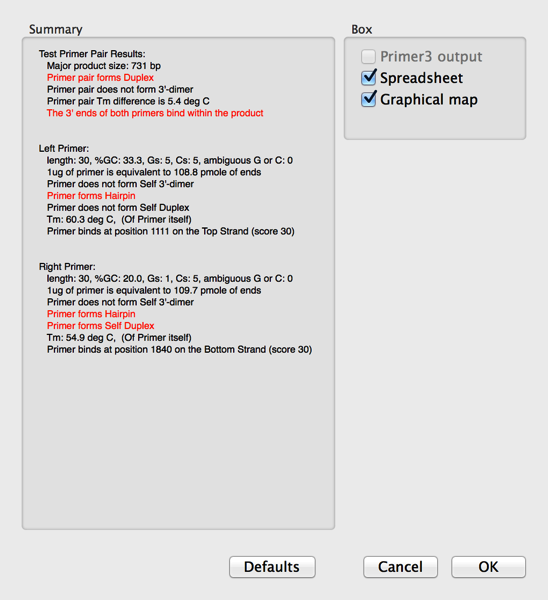
A window will appear showing any problems in red text.
- Select the Spreadsheet and Graphical Map checkboxes and click OK.