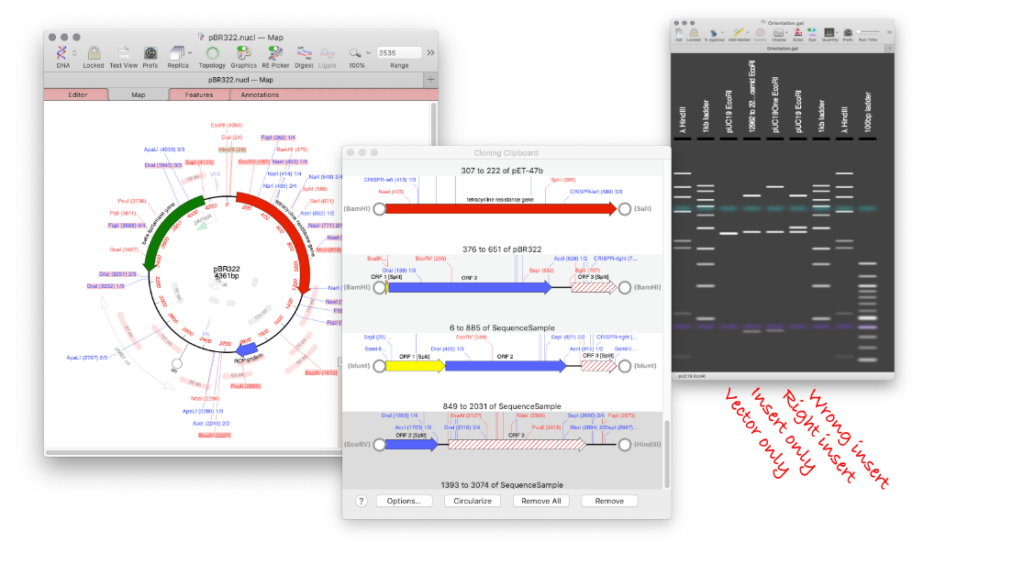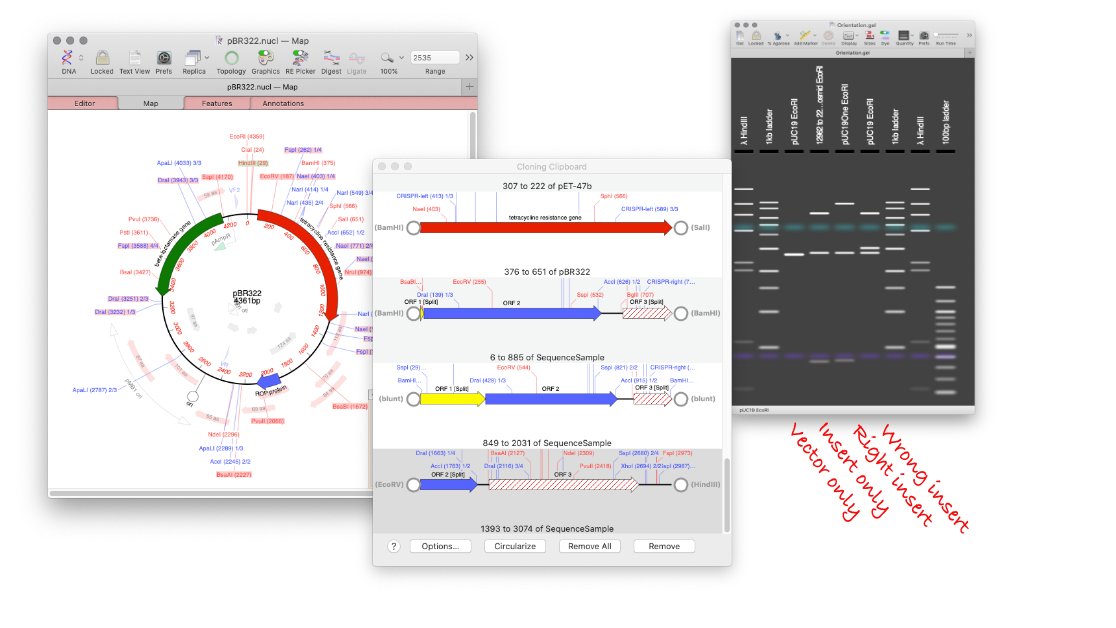
MacVector’s Agarose Gel tool can be used to quickly design a restriction digest to screen minipreps following a ligation.
Replicate your ligation in MacVector.
- Select the two sites, for subcloning your targeted gene, and click DIGEST.
- Drag the digested fragment from the Cloning Clipboard to your vector
- click LIGATE.
Create your agarose gel with the correct insert and a vector only lane.
- Go to FILE > NEW > AGAROSE GEL
- Open your sequence and switch to the MAP tab.
- Drag a restriction site (or sites) that digest within the fragment and also in the vector to the Agarose Gel window.
- Open up your original cloning vector.
- Drag the same site(s) to the Agarose Gel window.
Undo the ligation, and repeat with the wrong orientation.
- Switch back to the ligated sequence, and use UNDO to remove the ligated fragment.
- Switch back to the Cloning Clipboard.
- Drag the same digested fragment from the Cloning Clipboard to your vector.
- Hold down [OPTION] and click LIGATE.
- Switch to the MAP tab.
- Drag the same site (or sites) that digest the fragment and the vector to the Agarose Gel window.
Now you will end up with an Agarose Gel with three lanes: A lane with empty vector, a lane with the insert in the correct orientation, and a lane with the insert in the wrong orientation. Now it’s easy to screen your minipreps, as you know the gel bands of a correct miniprep before you’ve even loaded it on the gel!