

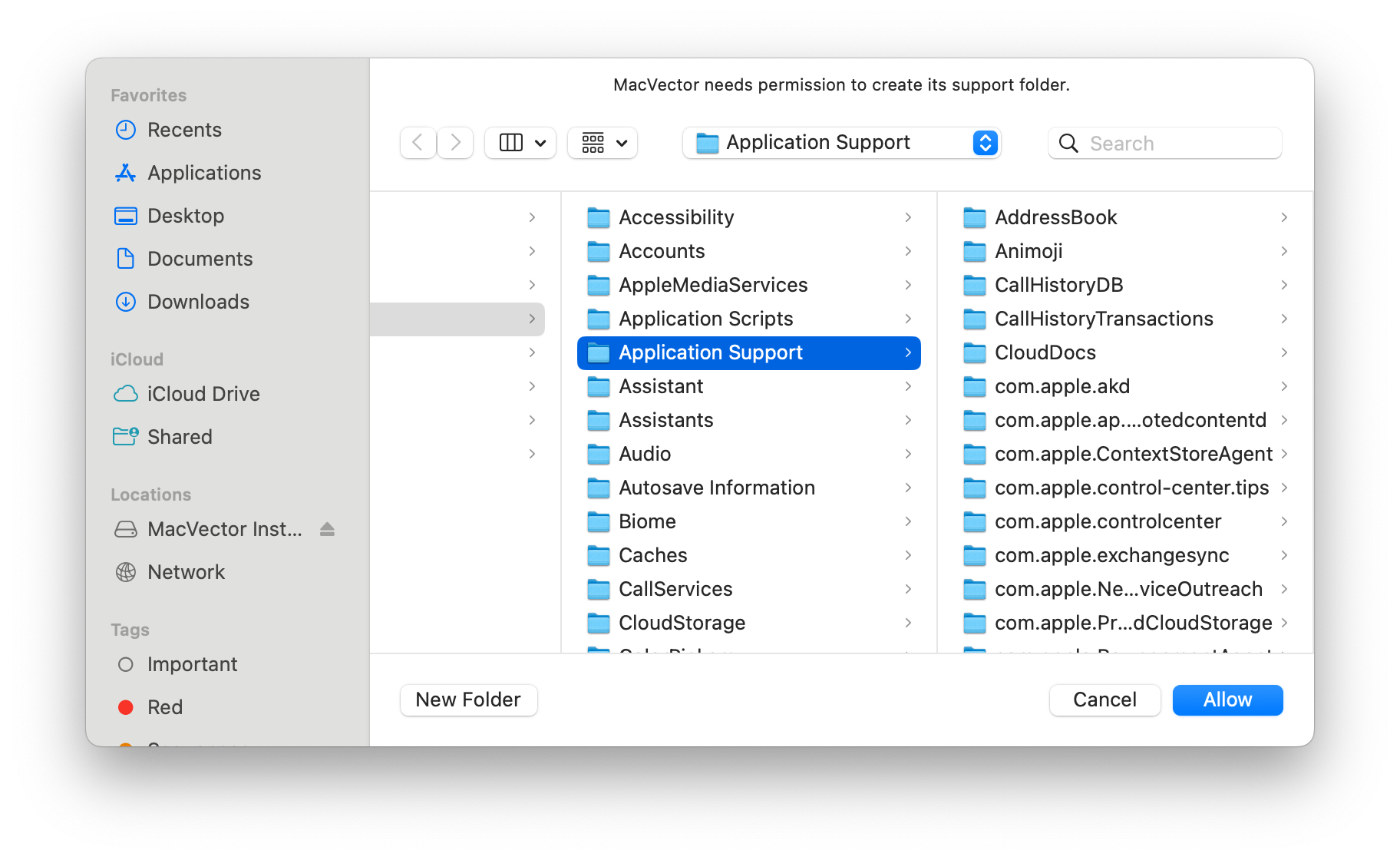
Our latest release MacVector 26 is now a sandboxed application following Apple’s guidelines. For many years now, Apple has encouraged developers to create applications that run in a Sandbox on macOS. This protects your computer and your data from intentional or accidental data access or corruption from a rogue or poorly written application.
Our website has a technical explanation of macOS Sandboxing. However, what this means in practice is that MacVector 26 is assigned a specific section of your hard drive that it has read and write access to. MacVector will be unable to access outside this section without the user approving this.
When you launch MacVector 26 for the first time there are a number of actions that it needs to perform. You will only have to do these once, but you must go through these steps to enable MacVector’s full functionality. It will take only a few seconds.
- You will first be prompted to create a new Support folder. You must click Allow.
- MacVector will then create a new Support folder with your auxiliary files.
- It will also scan your existing auxiliary files folder in the MacVector application folder and attempt to copy any customized files into the new location.
- Any auxiliary files stored outside the MacVector application folder will need to be manually added to the new location.
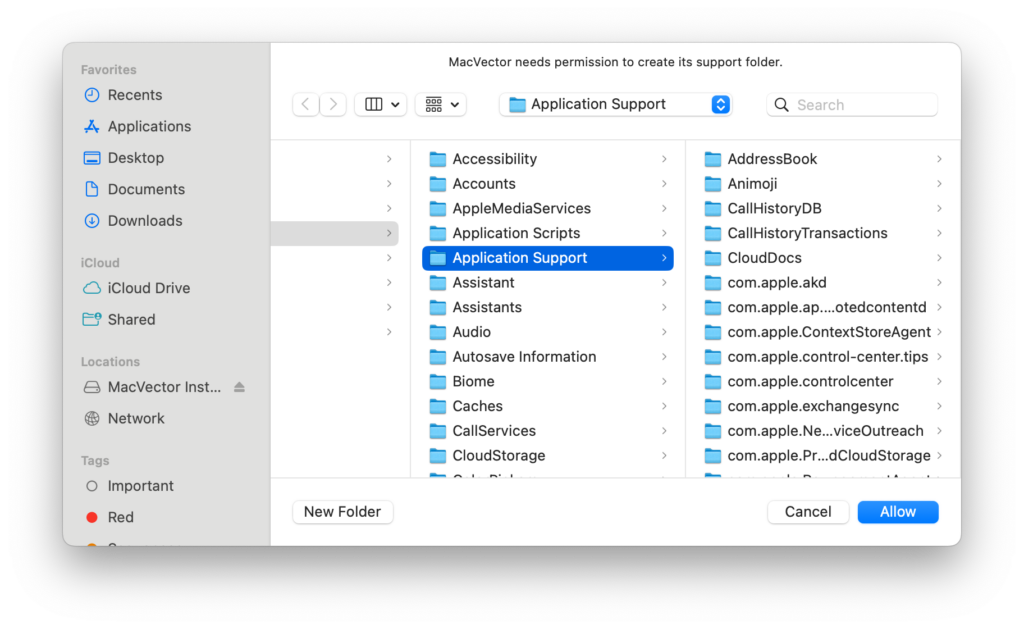
- You will then be prompted to allow access to your license folder. You must click Allow.
- If you have an existing license then MacVector will copy your license into the new folder.
- If you have no license installed then you will be prompted to activate a new license.
- You may also be prompted to scan the network for local devices. Again you must click Allow in order to share licenses with other users.
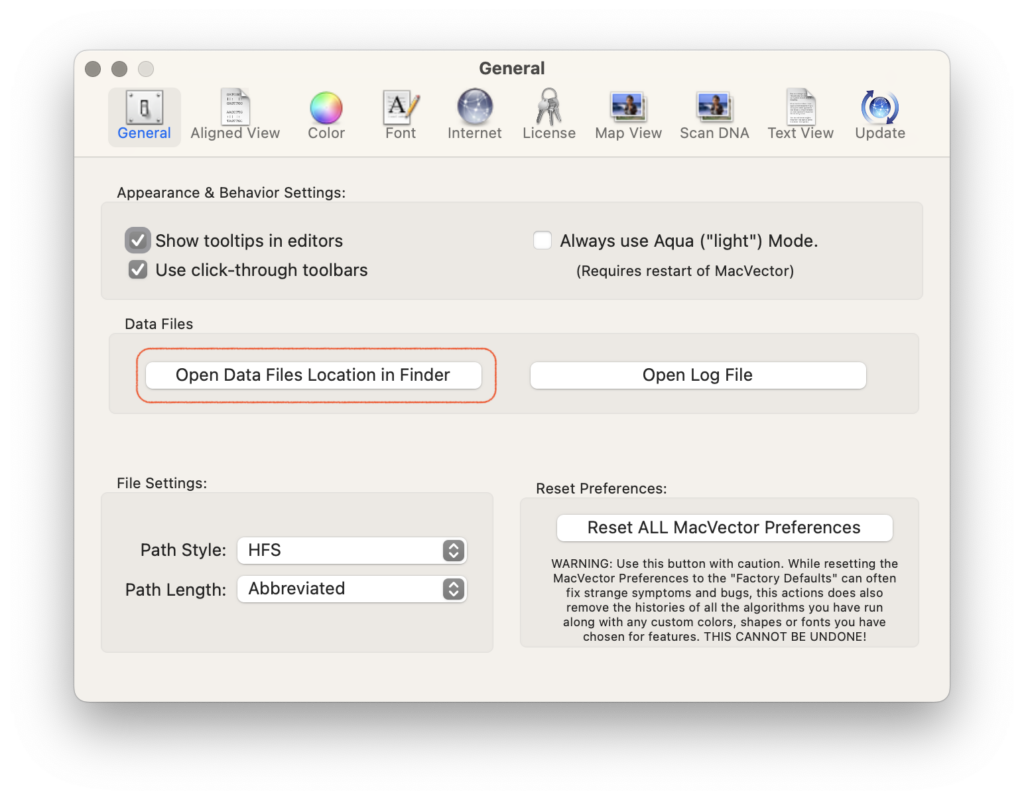
Once these steps have been completed then in day to day usage you will not even notice that MacVector is a sandboxed application. In fact the majority of macOS applications you already use will be either sandboxed now or will be soon. For example all applications installed from the Mac App Store must be sandboxed.
Our latest release MacVector 26 has a new Cloning Project Manager with the addition of Golden Gate cloning, enhanced graphical BLAST searches, Batch BLAST of protein sequences and a lot more. MacVector 26 is also now fully Apple Silicon compliant.
Read more on What’s New in MacVector 26. If you’ve not yet upgraded then download a 21 day trial. You’ll be pleased with the new features.