

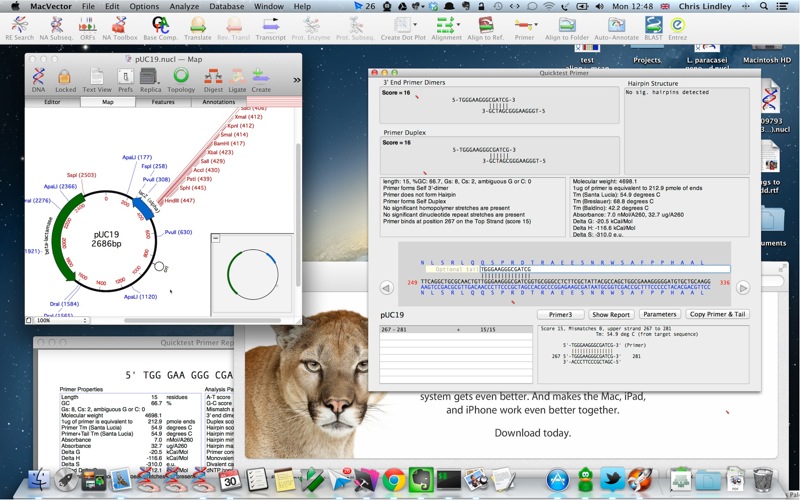
The eagerly awaited Mountain Lion was released last week in the App Store. We’ve conducted initial testing with MacVector 12.6 on Mountain Lion. Our testing has found only a single fairly minor issue concerned with installation. So far there are no issues with any day to day functionality.
- The downloadable disk image does not automatically open with the default settings on Mountain Lion.
Workaround: Open a Finder window and look in the DEVICES section of the left hand sidebar – click on the “MacVector 12.6” disc icon there to reveal the contents of the disk.
 )
)
We are continuing testing and this post will be updated if we find further issues (which will of course be fixed with the next update.
Technorati Tags: MacVector, OSX