
Author: Chris
-
How to display and manipulate segmented Features
If you work with eukaryotic genomic sequences, you will likely have encountered coding (CDS) features that are split into multiple segments, with each segment representing a translated exon of the encoded gene. MacVector is very much aware of segmented features and ensures that all in-place translations (e.g. in the main sequence Editor with CDS translations…
-
How to toggle between 1 and 3 letter amino acid codes
MacVector displays amino acid translations in many different result windows. You can drill down to the residue level in the Map tab and see translations of CDS and other translatable features and see translations in the plain text views and the Quicktest Primer interface. The translations can be viewed as either single letter codes or…
-
Viewing raw chromatogram data from .ab1 files
If you are interested in looking for or evaluating mixtures of residues in .ab1 or .scf chromatogram files, it is important to be able to extract the raw data from the four traces. You can open .ab1 and .scf files directly in MacVector by using the File | Open menu item or by dragging files…
-
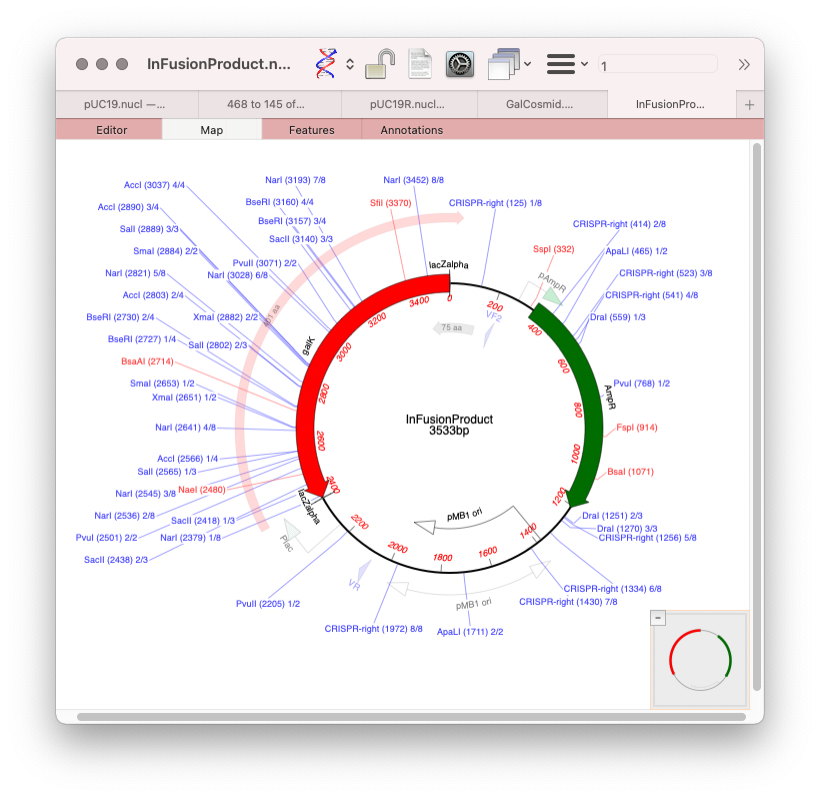
The easiest way to get graphics out of MacVector
You can use MacVector to create beautiful graphical representations of sequences with control over colors, patterns, fonts, symbols and many other aspects of the layout. The easiest way to get the graphics into another application is to simply choose Edit | Copy, switch to the target application and then choose Edit | Paste. The graphics…
-
How to import annotated GenBank sequences via copy and paste
While MacVector does have a built-in Entrez browser (Database > Internet Entrez Search) you can easily import GenBank formatted text into MacVector via a simple copy and paste approach. Many sequence-oriented web sites have the option of viewing sequences in GenBank format. This format always starts with the text LOCUS and finishes with two forward…
-
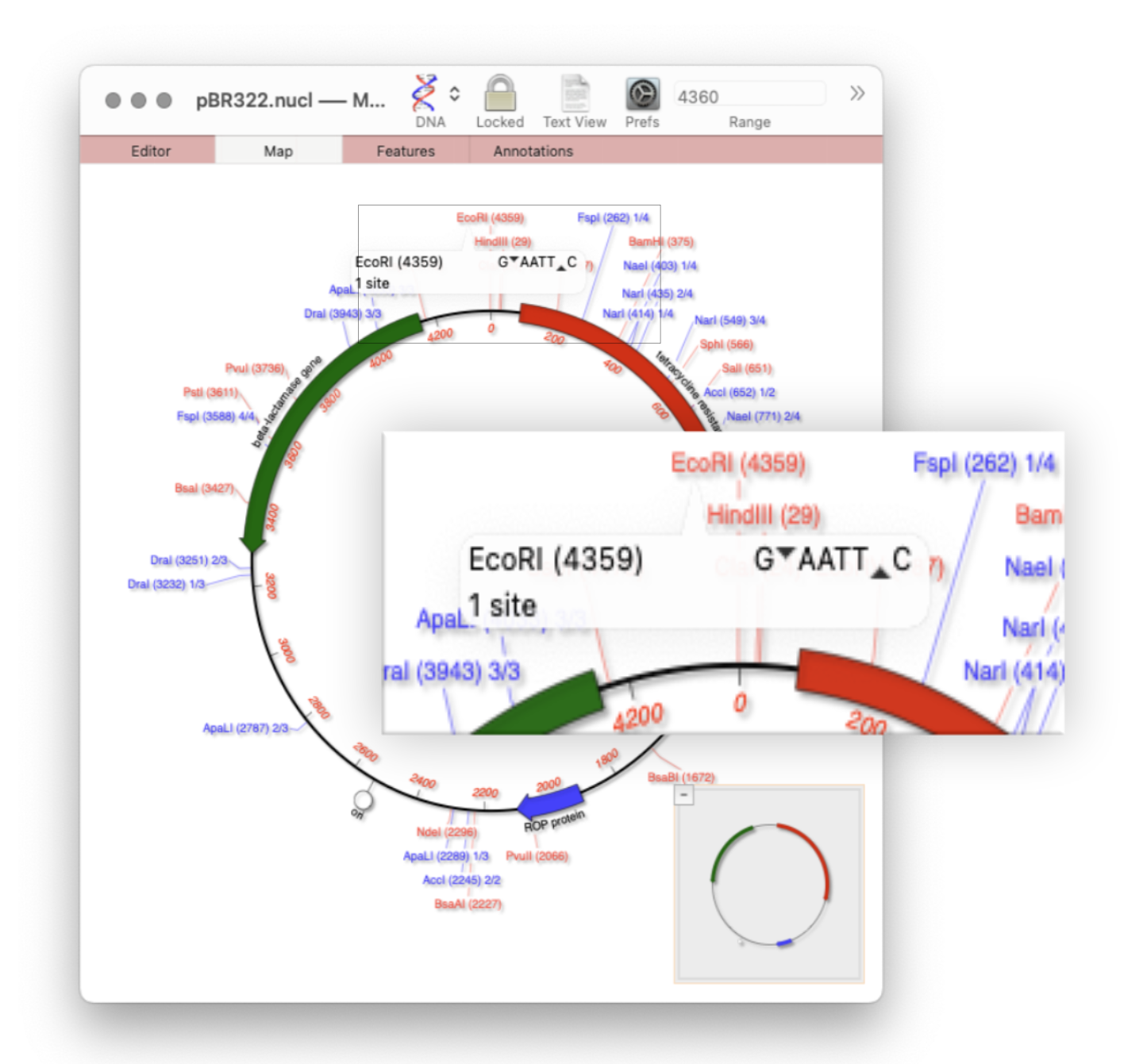
Restriction enzyme sites and tooltips
Quickly viewing the recognition sequence and cut site of a restriction site is very easy in the Map tab. If you hover your mouse over a restriction site in the Map tab, a tooltip will show you the restriction enzyme recognition site, the location of the cut site, and number of times that enzyme cuts…
-
MacVector for Windows: update.
It’s quite a few months since the last update on the development of MacVector for Windows. Work is progressing very well and a lot of the underlying functionality is now finished. The Cloning Clipboard, Restriction Enzyme analysis and QuickTest Primer tools are all done. The release is still some time away, but if you are…
-
How to reset the numbering after pasting a DNA fragment
When you copy a section from a long sequence and paste it into a new MacVector window, the original numbering from the original sequence is retained. This is very useful if you want to work on a shorter segment of a genome without losing the original numbering. However, sometimes it is preferable to have the…
-
How to remove gaps from a sequence
There are often times when you end up with a sequence containing gaps, especially if you make extensive use of the Align To Reference, Contig Assembly or Multiple Sequence Alignment interfaces to generate consensus sequences. You can select and copy the consensus sequence, or even individual aligned reads, from the Align To Reference and Contig…
-
How to automatically annotate bare sequences
If you have an unannotated vector or other sequence that you’ve been sent from a sequencing lab, downloaded from a web page or been sent by a colleague, it can be very tedious to manually create all the features that you believe are present on the sequence – assuming you even know what is supposed…