
Author: Chris
-
How to call heterozygotes in trace files or Assembly Projects
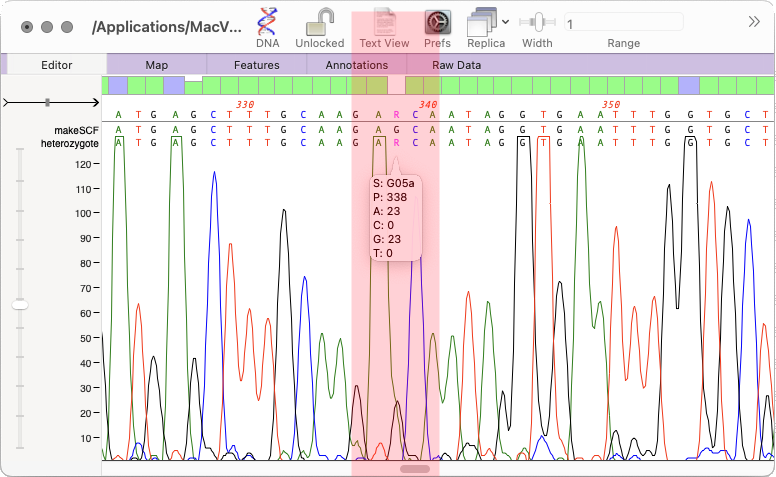
In MacVector 18.5 we added a new tool to call heterozygotes in sequencing reads. The heterozygote analysis tool allows you to either view heterozygotes in Sanger trace files or to permanently change the basecalled sequence with an ambiguity representing the called heterozygote. The tool works on multiple trace files in the Assembly project manager or…
-
MacVectorTip: Changing the font used in the Editor, Results and other windows
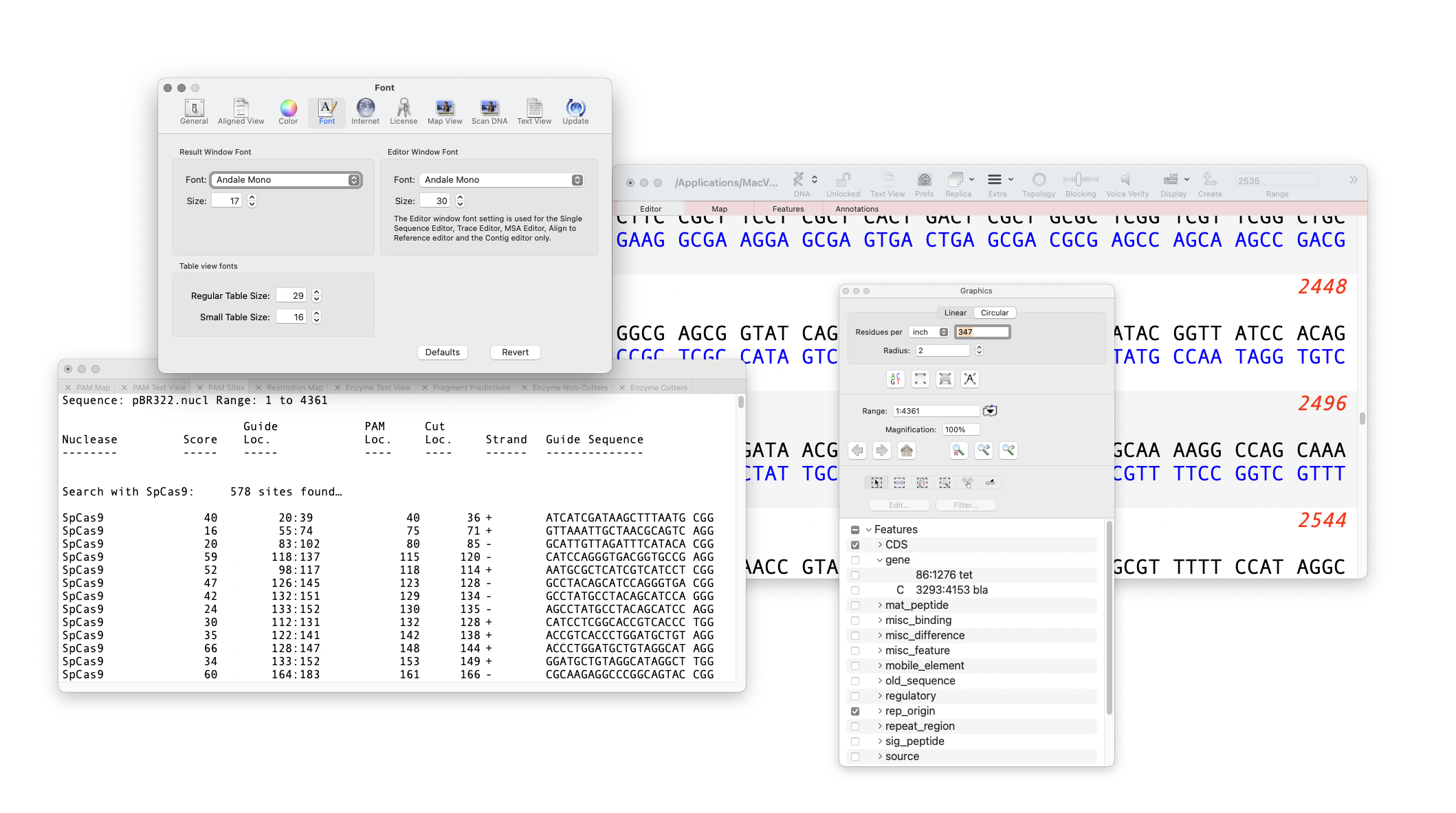
MacVector is very customizable in how you can produce graphical maps of sequences, assemblies, alignments and more. You can also change the default appearance of MacVector itself. The font used in the Editor and Results window can be changed and increased in size. You are limited to using fixed width fonts (such as Andale Mono…
-
MacVectorTip: macOS Dark Mode and forcing MacVector to open in Light Mode
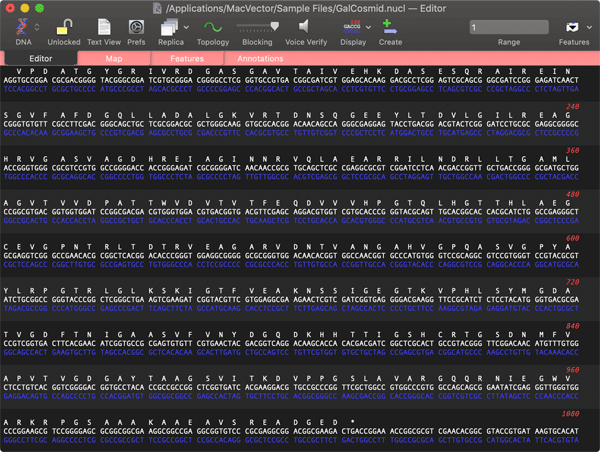
“Dark Mode makes it easier to stay focused on your work because your content stands out while darkened controls and windows recede into the background” If you use Dark Mode with the Auto setting, then with the short winter days in the northern hemisphere (for our southern hemisphere friends please save this email for six…
-

Merry Christmas from all of us at MacVector….!
We hope 2022 was a productive and enjoyable year for your research, and that MacVector has played some part in that. Once again, 2022 was not the uneventful year that we all hoped for. Perhaps 2023…? Before you go and relax with friends and family, help your colleagues make the most of MacVector and give…
-
MacVector 18.5.1
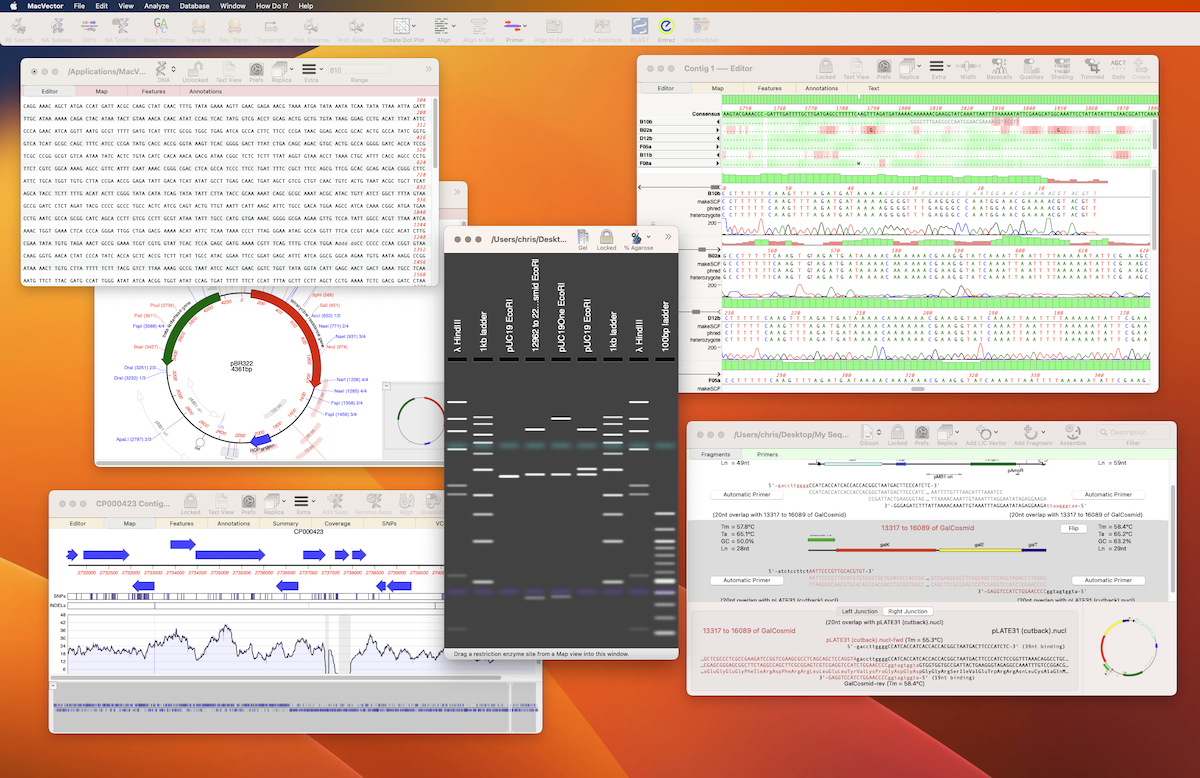
We’ve just released a minor update, MacVector 18.5.1. Changes include: You will be automatically promoted to update. or go to FILE | CHECK FOR UPDATES… to update now. You can download the full installer instead. For assistance with remove activation of standard licenses please contact support.
-
MacVector 18.5 has just been released and is macOS Ventura ready!
It’s that time of year again. Apple have released macOS Ventura and we are very pleased to announce MacVector 18.5 is out. MacVector 18.5 is fully macOS Ventura ready! macOS Ventura ready Heterozygote Analysis of Sanger trace files Align to Reference supports long reads Miscellaneous enhancements How to upgrade to MacVector 18.5 If you have…
-
MacVector 18.5 is macOS Ventura ready
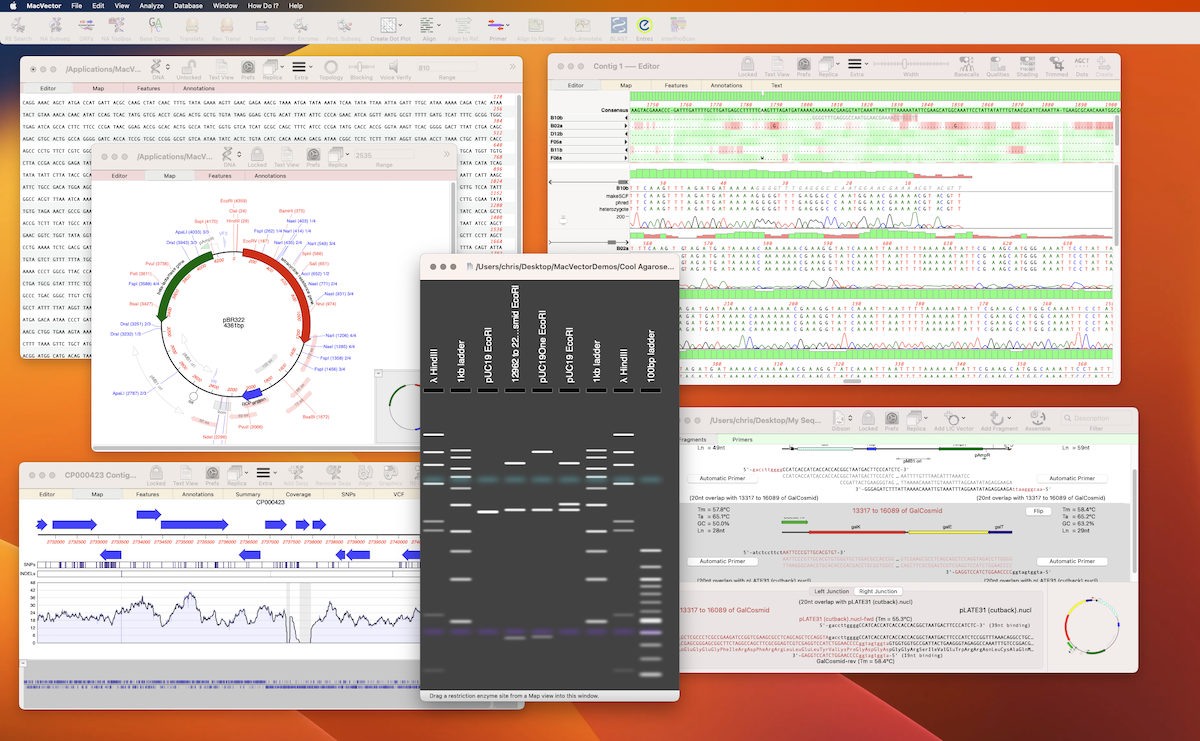
It’s that time of year again. Apple have just released macOS Ventura and we are very pleased to announce our current release, MacVector 18.2 has been tested on macOS Ventura and is compatible. Not only that but we have just a few weeks of testing left before our next release. MacVector 18.5 has been developed…
-
MacVectorTip: Create custom Codon Usage Tables for ORF analysis and reverse translation
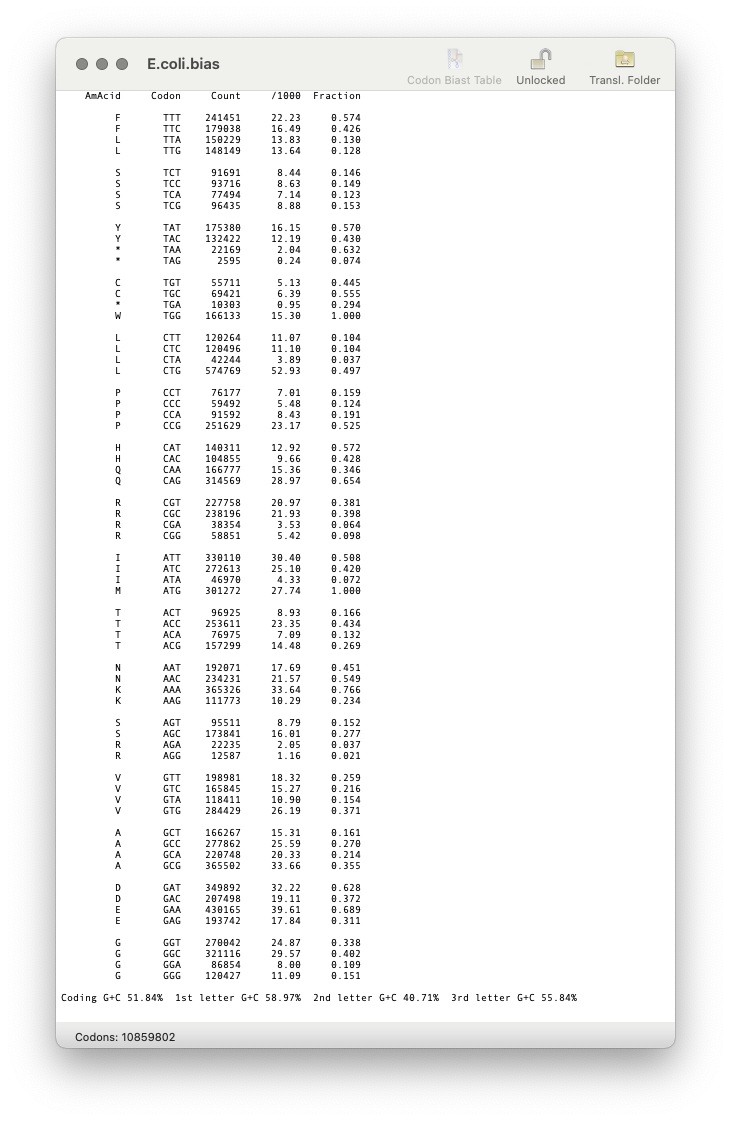
MacVector uses codon usage tables (also called “Codon Bias”) to help you predict protein coding regions in the Analyze | Nucleic Acid Analysis Toolbox functions and also the protein Analyze | Reverse Translation… function. For example, here are the Plus and Minus strand Staden Codon Preference plots aligned under the Plus/Minus ORFs for a Streptomyces…
-
macOS’s tabbed windows and MacVector
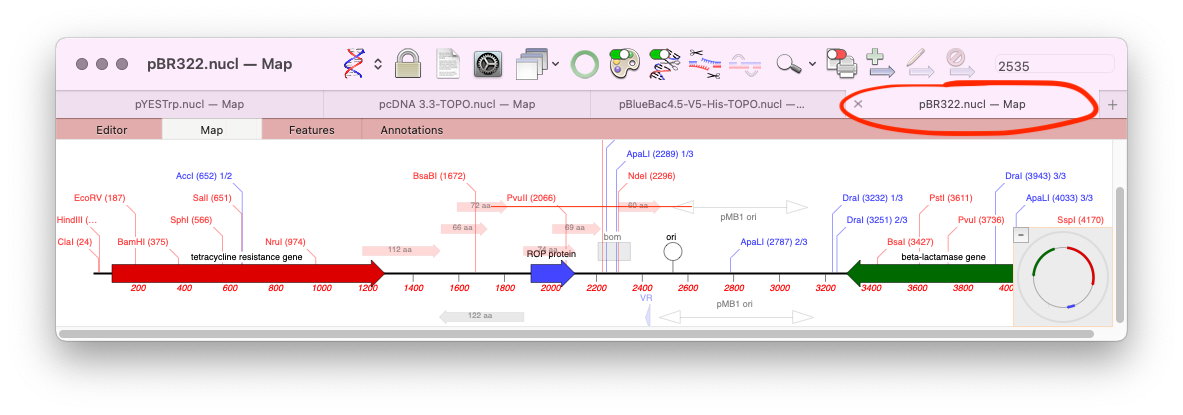
One of the lesser known features of macOS is the ability to store all open documents of an application in tabs. Tabs were initially introduced for the Finder, but macOS Mavericks saw them apply to supported application document windows too. MacVector has supported tabs since their introduction, however, by default the Tab Bar is turned…
-
MacVectorTip: Identifying, Selecting and Assembling NGS reads with a variant genotype
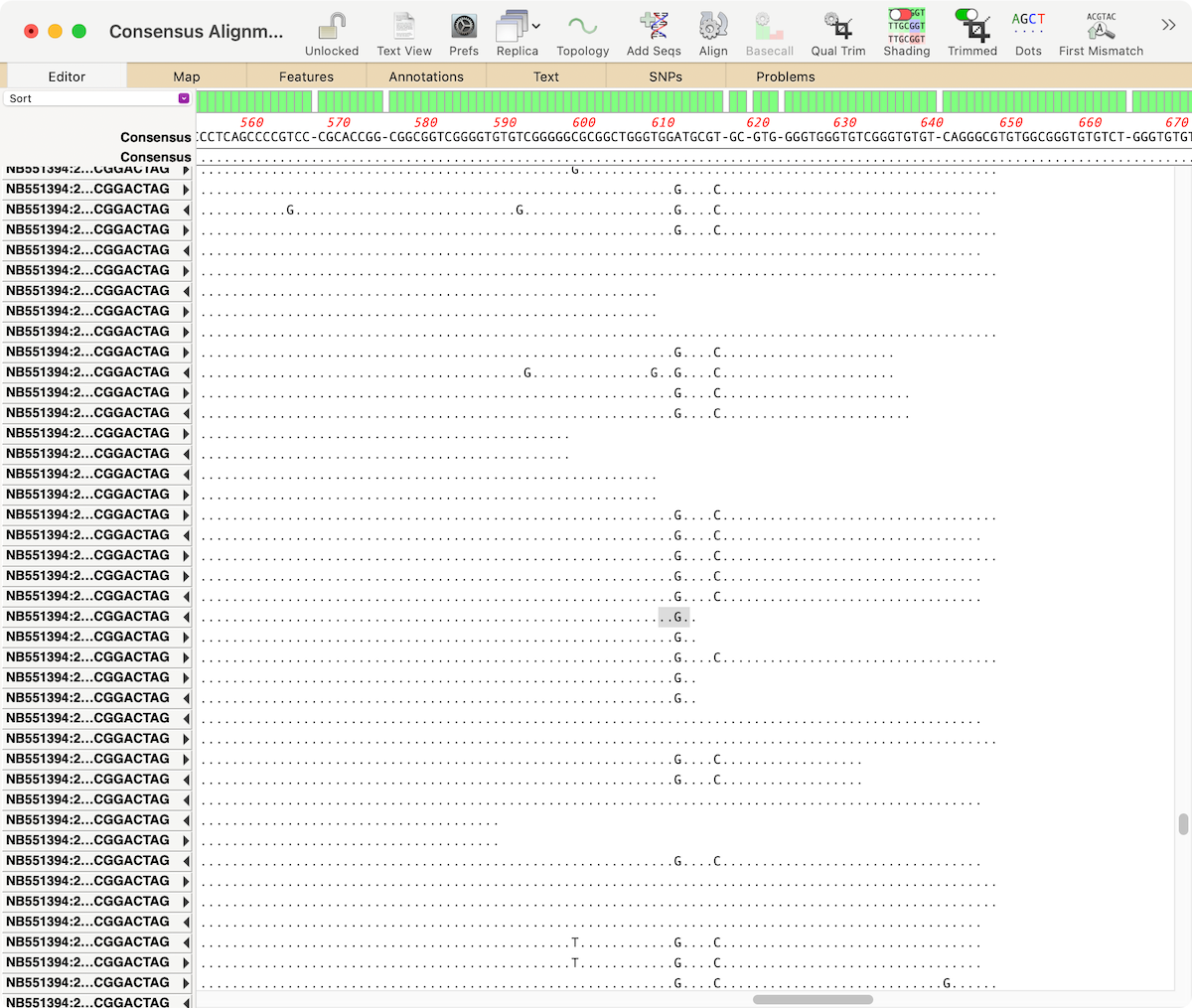
When analyzing/assembling/aligning NGS data, there are many scenarios where you might want to separate out the reads representing different genotypes or variant sequences. MacVector makes this very easy. Take a reference sequence and choose Analyze | Align to Reference. Now click the Add Seqs button and select and add your NGS data files. NOTE: if…