

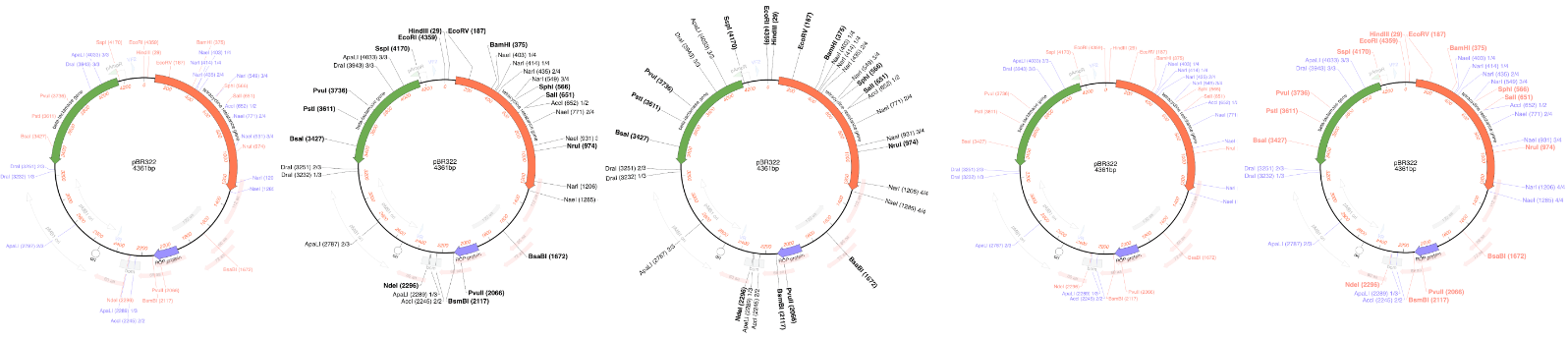
We are pleased to announce our latest release. MacVector has always been about producing beautiful plasmid maps. Our latest release MacVector 26.1 takes this to a new level with customization of dynamically generated maps with SmartLine graphics.
SmartLine Graphics
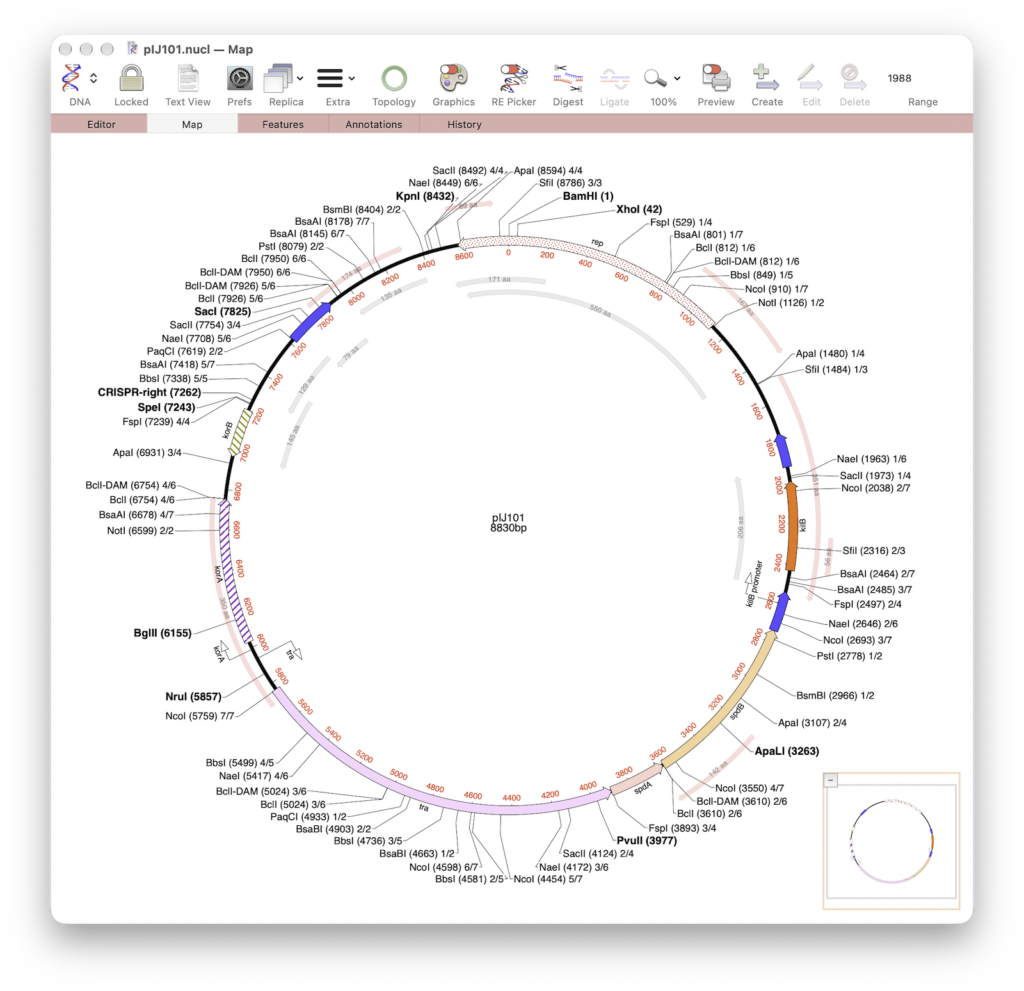
MacVector gives the user great flexibility for customizing graphical maps. They look how you want them to look. Every aspect can be changed, fonts, colours, symbols and size. With MacVector 26.1’s SmartLine symbols this now applies to dynamically annotated restriction maps too.
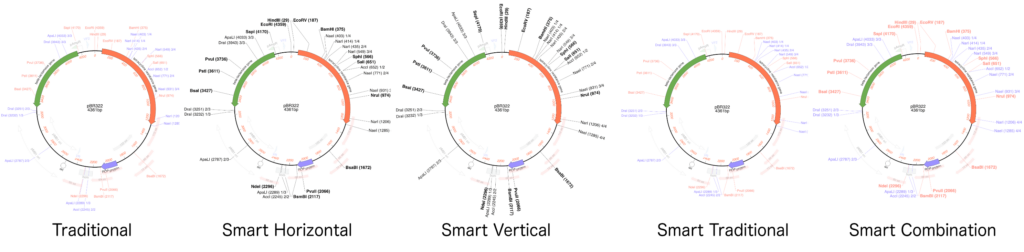
MacVector’s new Smart Line presets give you no less than five different styles to use. All use slightly different algorithms to produce aesthetically pleasing graphical maps. Even with crowded vector maps!
Minor Enhancements and Bug Fixes
- There is a new item in the Window menu called Toolbar Style that lets you select the style of window and toolbar. The choices are Expanded, Preference, Unified and Compact Unified. The Expanded style lays out the window with the title along the top of the window which really helps if you want to use Window | Full Titles to see the entire path of a file, rather than just the file name.
- The T-Coffee multiple sequence alignment algorithm now works as expected.
- You can now run a virtual amino acid alignment of multiple nucleic acid sequences even if the lengths of the target sequences are not a multiple of 3.
- There have been improvements to the codon usage table parser to more readily accept data exported from the CUTG database.
Release Notes
For a full list of the enhancements and bug fixes in MacVector 26.1, please check the release notes.
System requirements
MacVector 26.1 is a Universal Binary supported on any Intel or Apple Silicon Macintosh running macOS 11.5 (Big Sur) or higher, up to and including macOS Golden Gate. There are no other specific hardware requirements for MacVector – if your machine can run macOS 11.5 or above, it can run MacVector.