

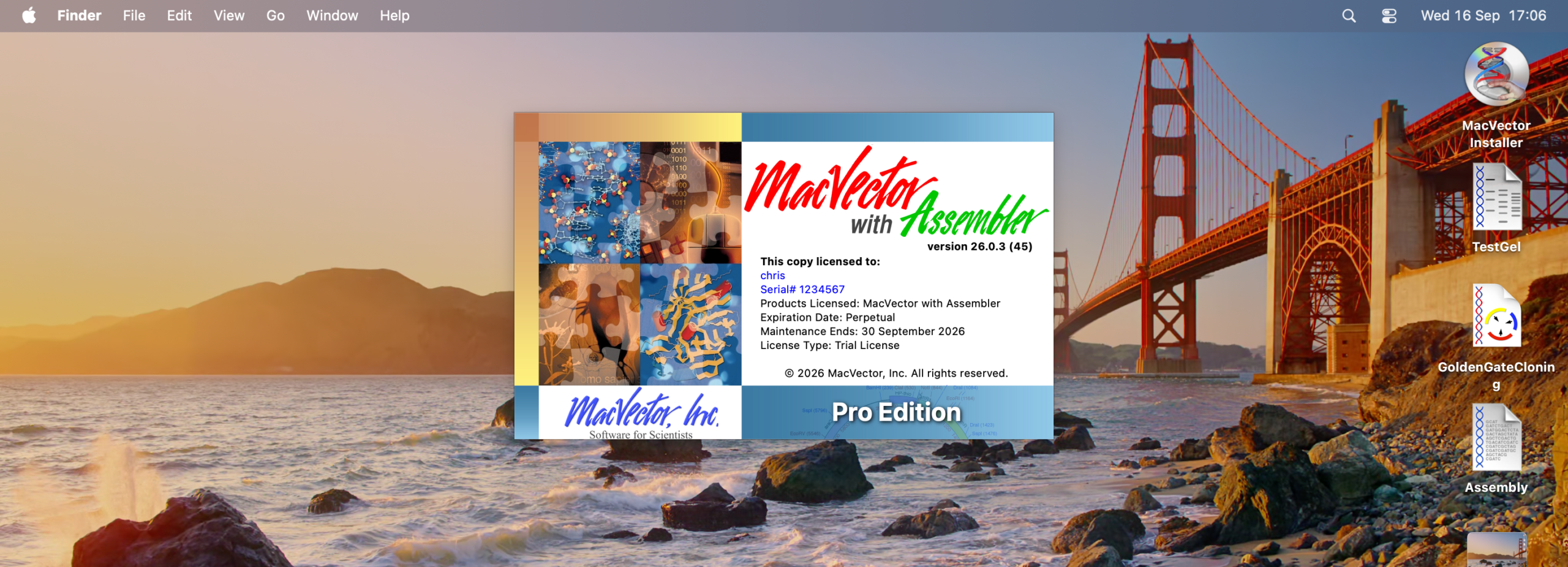
Apple released macOS Golden Gate on Monday (14th Sept 2026).
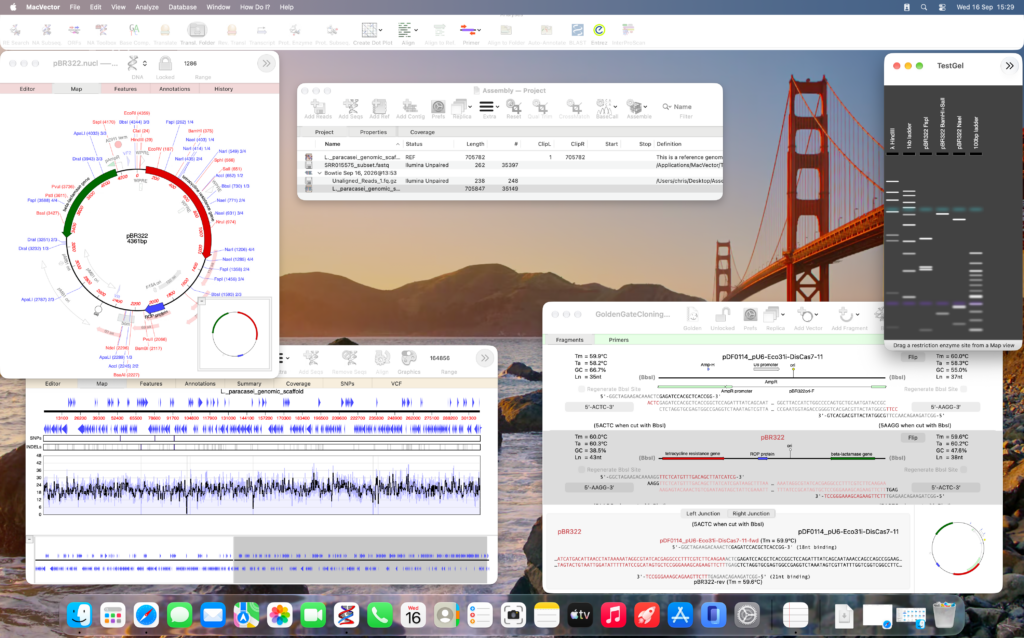
Over the past few months we’ve been testing MacVector on development betas of macOS Golden Gate. We are happy to share that MacVector 26 is fully supported on macOS Golden Gate.
Known Issues
- Liquid Glass: with the default menu bar settings, part of the MacVector Analyses Toolbar will be obscured. However, there is a very easy workaround to this issue.
- Multiple Sequence Alignments: minor issue with running t-coffee on aligning sequences.
Legacy versions of MacVector.
MacVector 26 is a fully Universal Binary application and runs natively on both Apple Silicon and Intel Macs. If you are already running MacVector 26 then you do not need to read further.
However, older versions of MacVector will still need a tool called Rosetta so please read on (or just upgrade to MacVector 26!). If you are not running MacVector 26 but you want to upgrade to using macOS Golden Gate then be aware that only MacVector 26 is officially supported on macOS Golden Gate.
macOS Golden Gate and Rosetta changes.
In the transition from Intel to Apple Silicon Macs Apple used a transition framework called Rosetta2.
Rosetta2 allows Intel only applications to run on Apple Silicon Macs. Previously Rosetta2 was automatically installed when needed. However, with macOS Golden Gate Apple have made some changes.
Apple have stated that macOS Golden Gate is the last macOS release that will run on Intel Macs. To this aim they have introduced some “warnings” to macOS Golden Gate so periodically whenever you run an Intel application you are reminded that this will not be supported in the future. They have also uninstalled the Rosetta framework. So even if you have previously installed Rosetta you may need to reinstall this.
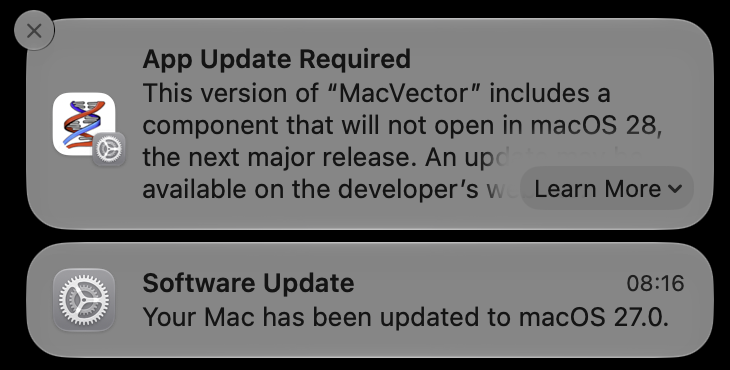
MacVector 18.8 to MacVector 18.2.
MacVector 18.8 to 18.2 are almost entirely universal binaries and will run natively on both Apple Silicon and Intel Macs. However, there are a few tools that were still Intel only and so they still required Rosetta for full functionality.
This includes:
- Most assembly tools
- InterProScan
- Primer design
- Import Contigs
Unfortunately this means you will need to manually install Rosetta2 from the command line.
The basic steps are:
- Open Utilities – Terminal.app
- Type “softwareupdate –install-rosetta” (or copy and paste this into the terminal).
- Follow the instructions.
There’s more information on Apple’s Support pages.
Legacy versions – MacVector 18 and earlier
MacVector 18.0 (and earlier versions) are Intel applications. When you launch MacVector 18 or earlier on macOS Golden Gate then you will see a new dialog.
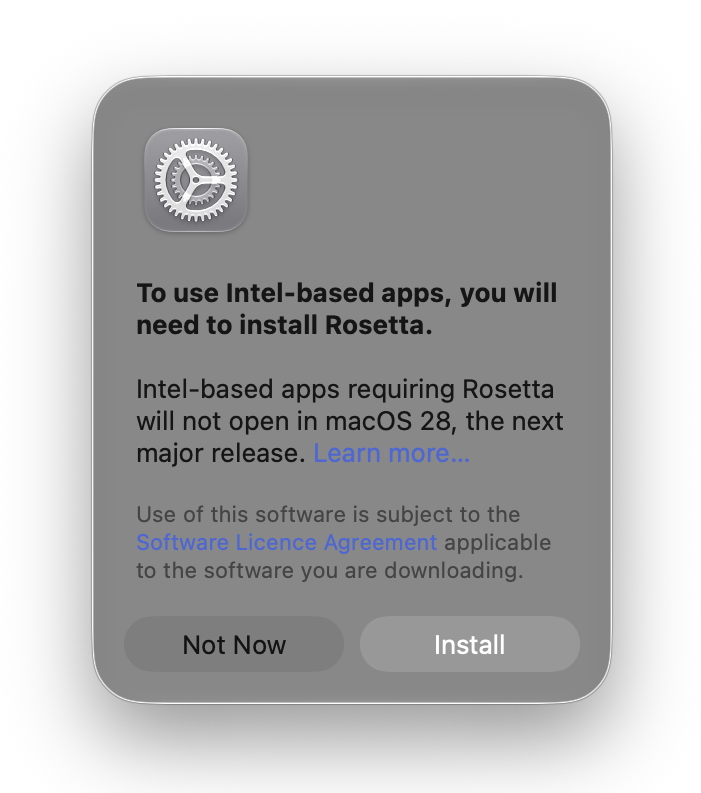
This will automatically prompt you to install Rosetta.
- Click Install
- Follow the instructions.
Why not upgrade?
MacVector 18 or earlier versions will not run on future versions of macOS. However, upgrading to MacVector 26 is not just about compatibility. We’ve added many new tools and features to make your sequence analysis workflows easier! Plus sequence assembly is now fully integrated into MacVector.
Request an upgrade quote today. You will be surprised at how little an upgrade will cost.